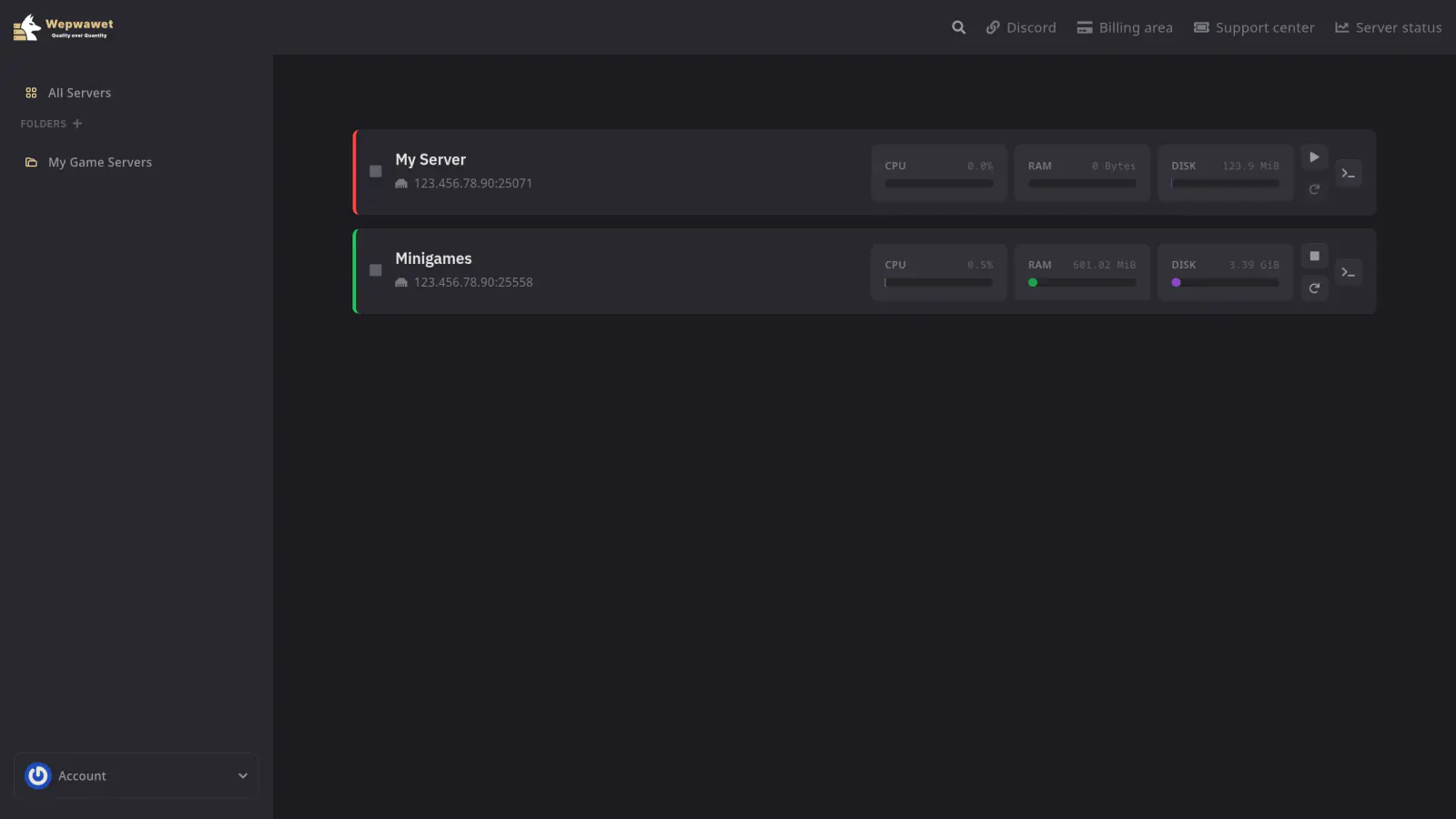
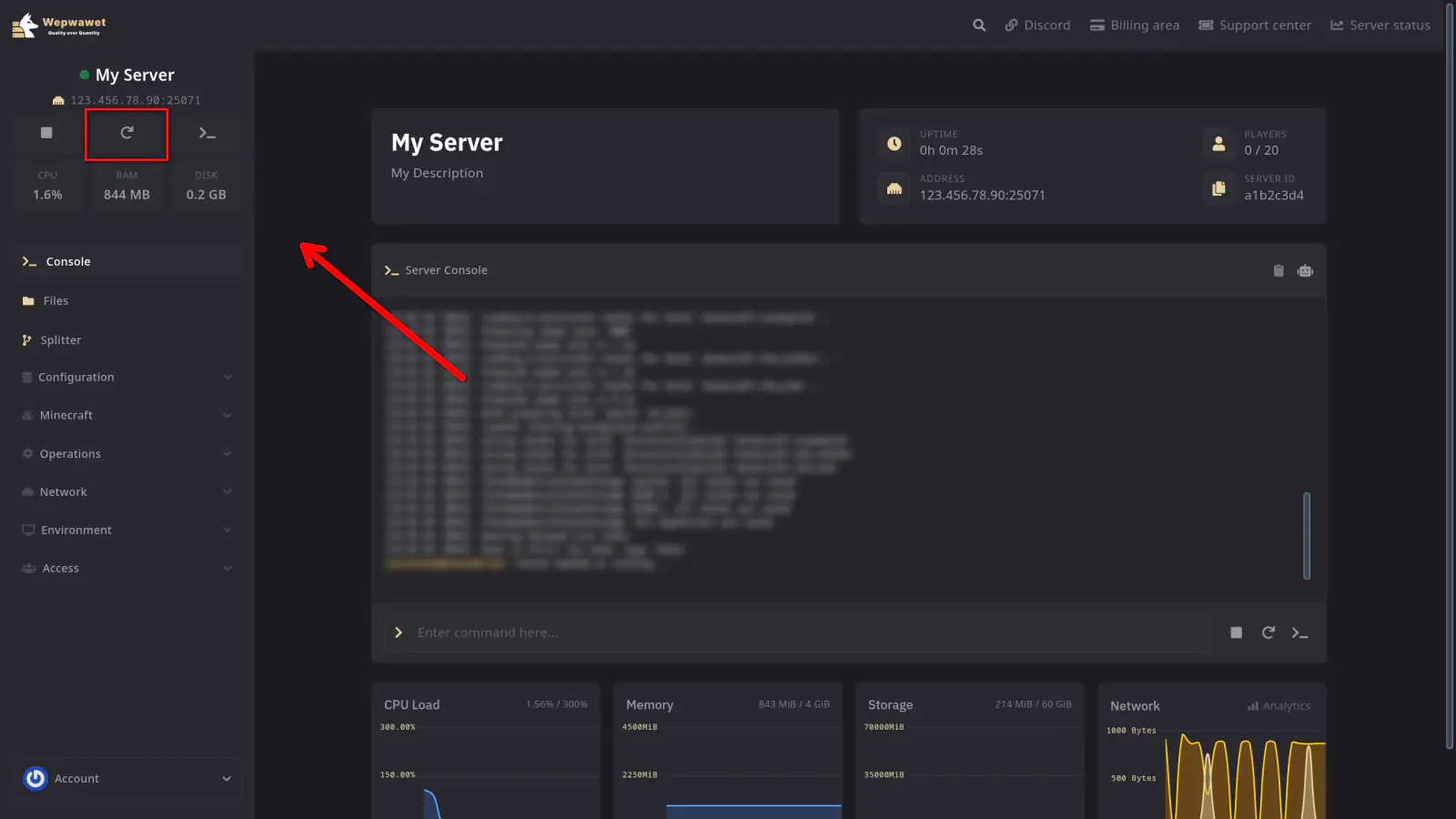
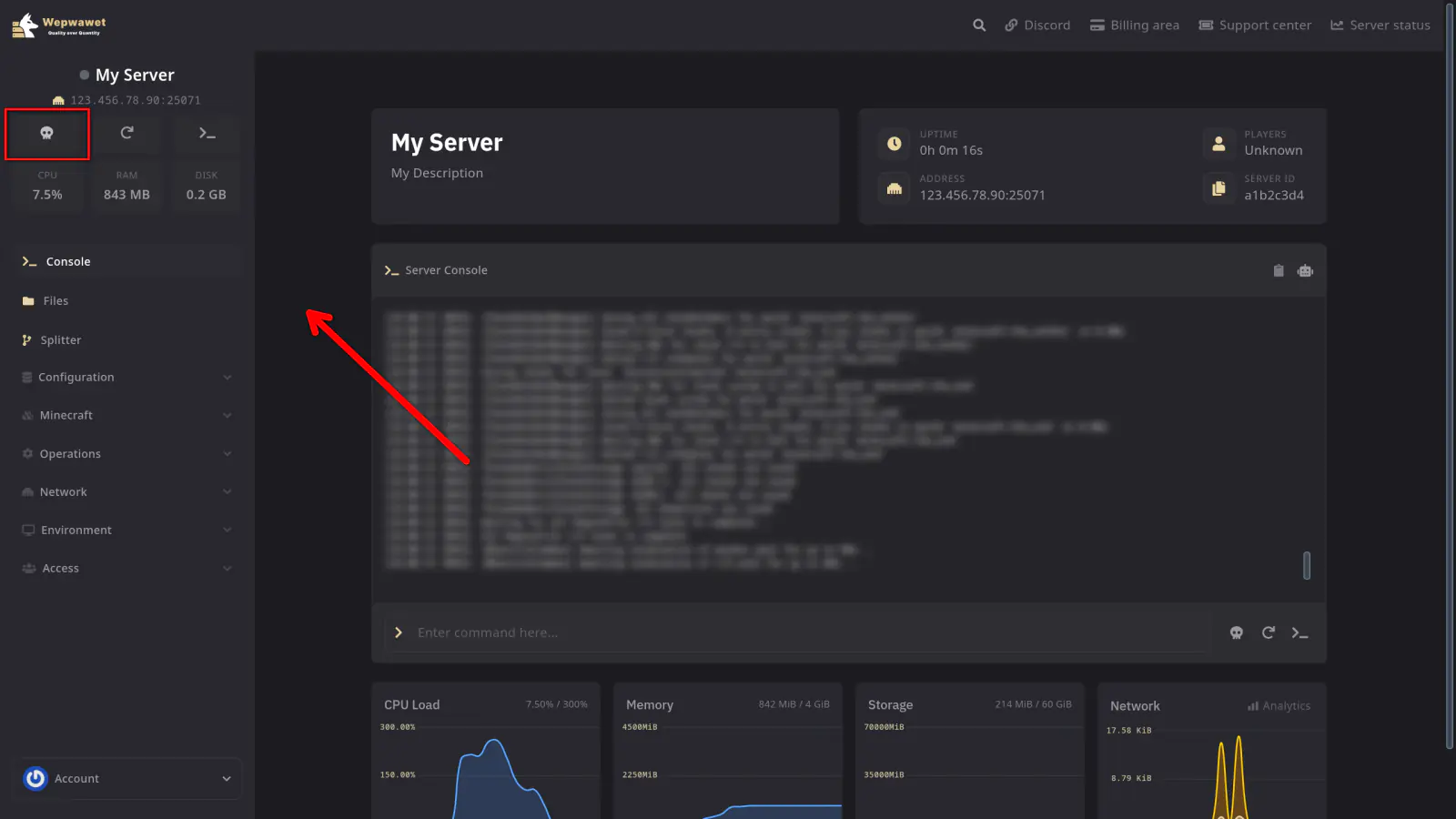
After selecting a server, the power action buttons are always located at the top-left of the page. These buttons let you control your server’s state.
Start
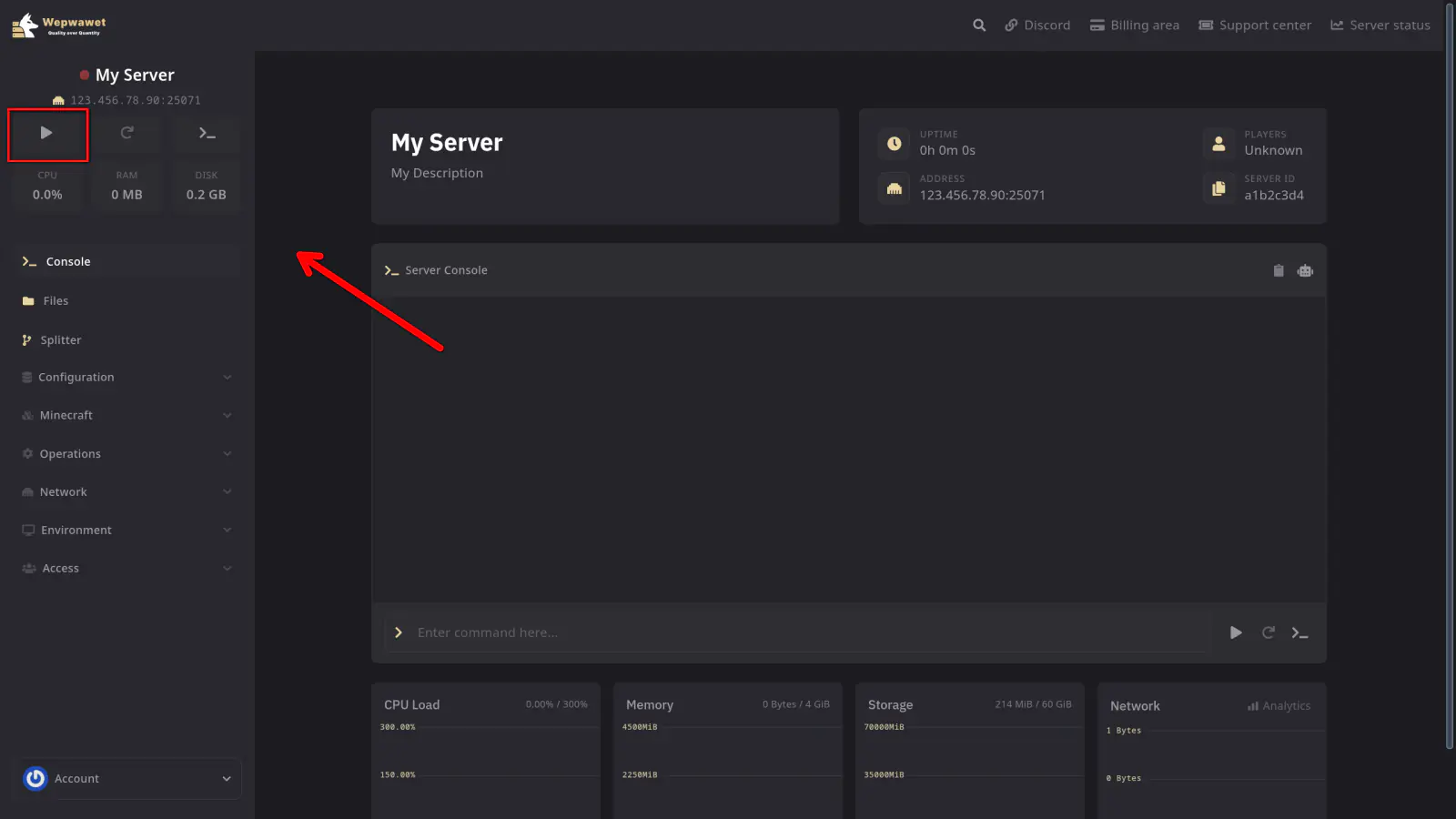
The Start button launches your server. It is available when the server is currently offline.
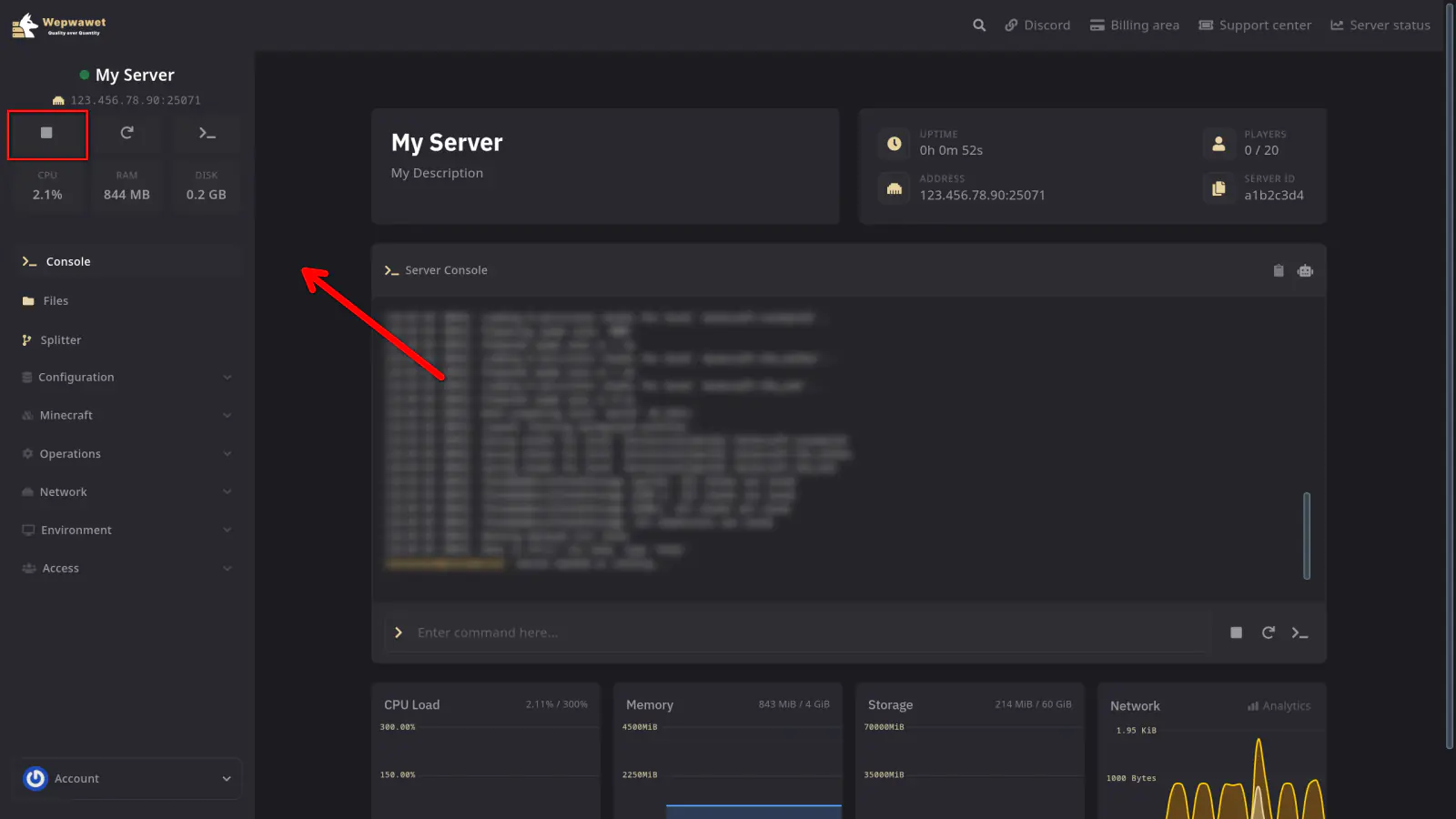
Stop
The Stop button gracefully shuts down your server. It sends a stop command, allowing the server to save and close properly.
Restart
The Restart button stops and then immediately starts your server again. Use this when you need to apply configuration changes or refresh the server.
Kill
The Kill button forcefully terminates your server process. Use this only when the server is unresponsive and a normal stop or restart does not work.
Warning: Killing your server does not allow it to save. You may lose unsaved data. Only use this as a last resort.
If any issues arise, contact us ↗.