Note: The File Manager can also be accessed externally using SFTP clients like FileZilla or WinSCP.
If a file or folder is over 1GB, compress it into a .zip file on your computer, upload the .zip, then unarchive it inside the File Manager.
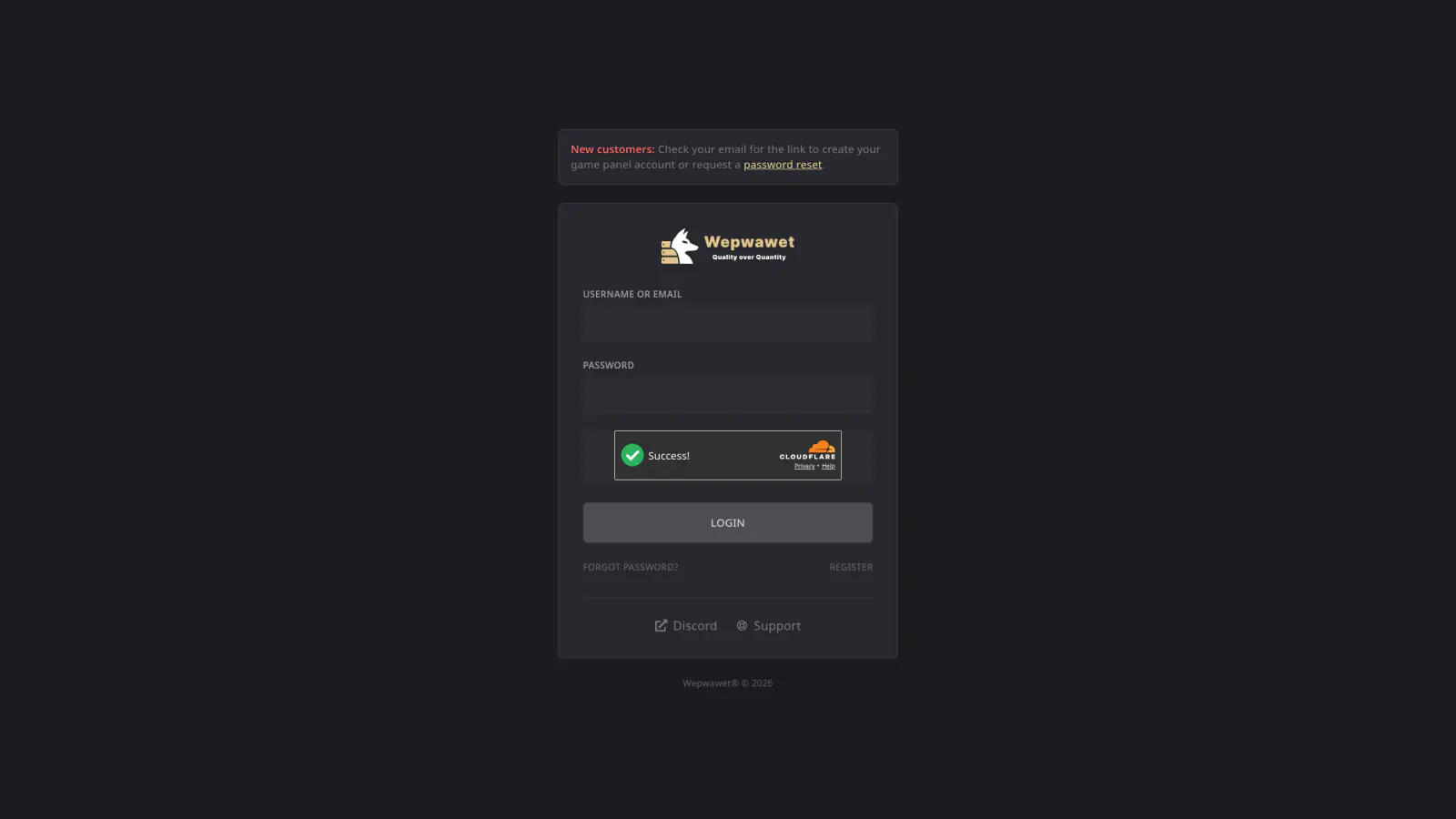
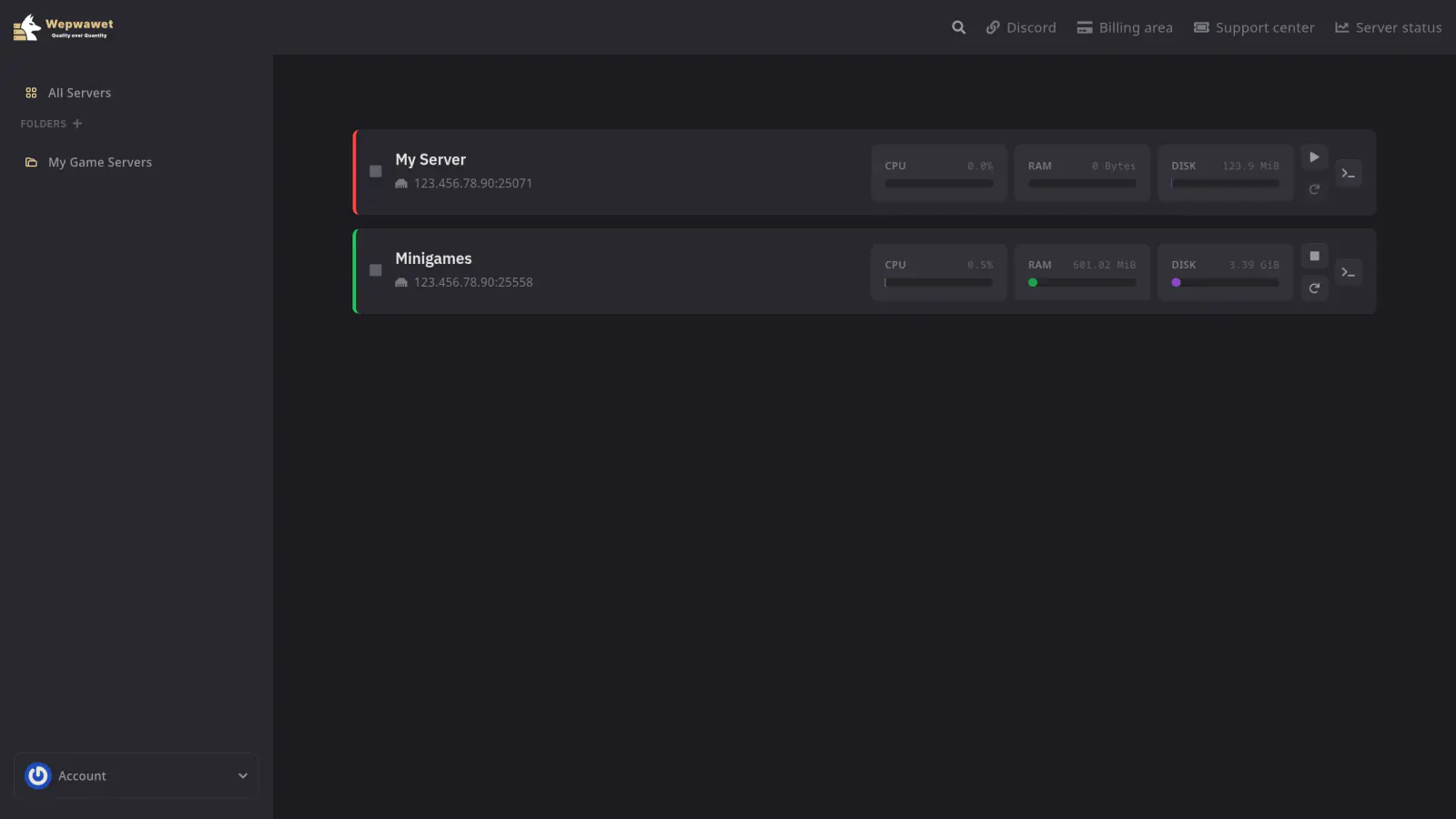
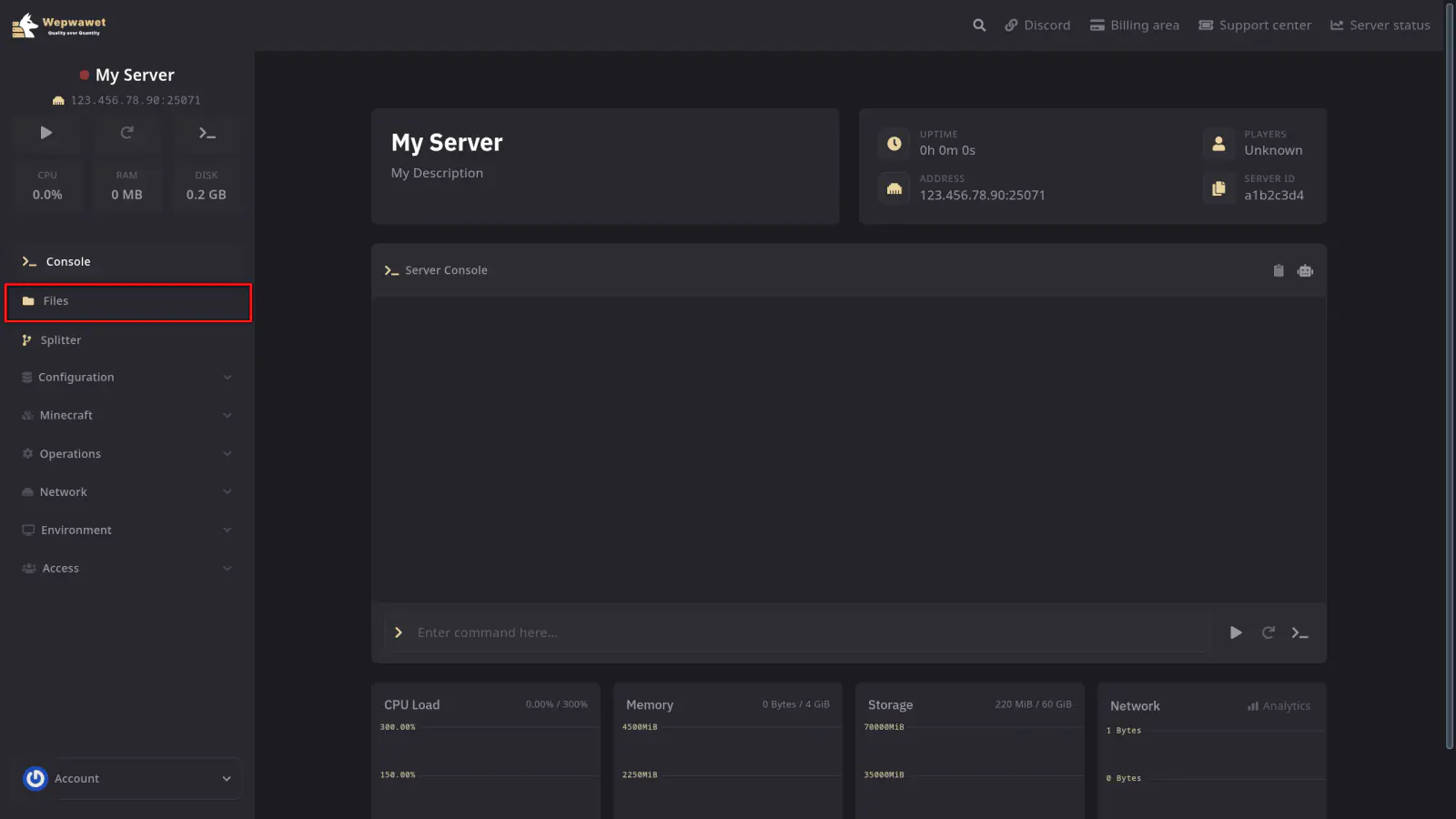
This is the File Manager tab. It contains all the files required for your server to run, including the server software jar, plugins/mods folder, and world folders (world, world_nether, world_the_end).
If any issues arise, contact us ↗.