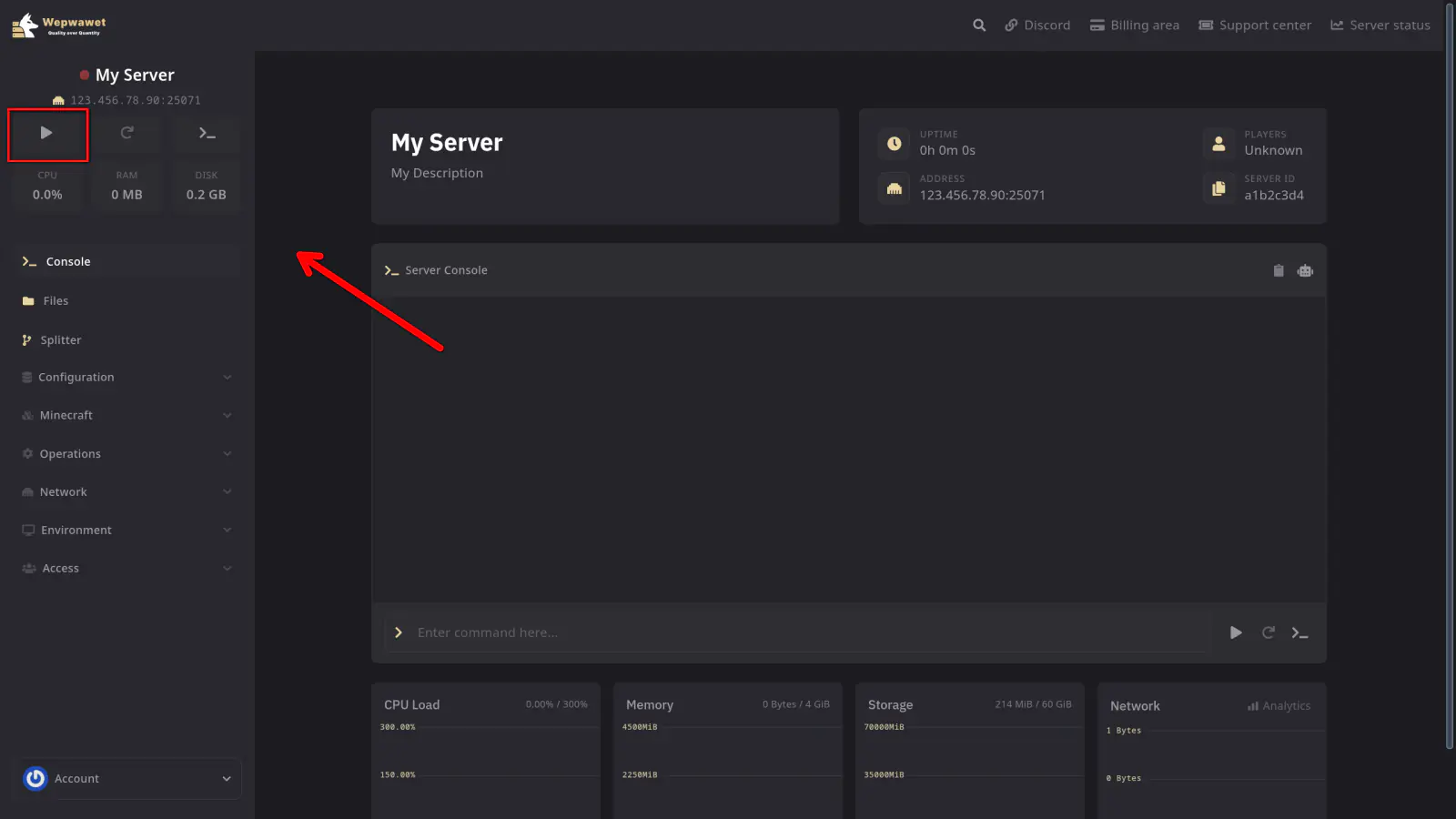
X-raying on Minecraft servers can compromise the integrity of the gameplay experience for your legit players. As a server owner, it’s essential to take proactive measures to prevent such exploits. In this quick guide, we will be showing you the easiest way to prevent this without having to install any plugins that may impact your server performance negatively.
In order to proceed, make sure you are utilising PaperMC or a fork based on PaperMC. You can check what server software you are using with the /version command.
Enabling Anti-Xray on PaperMC is as simple as:
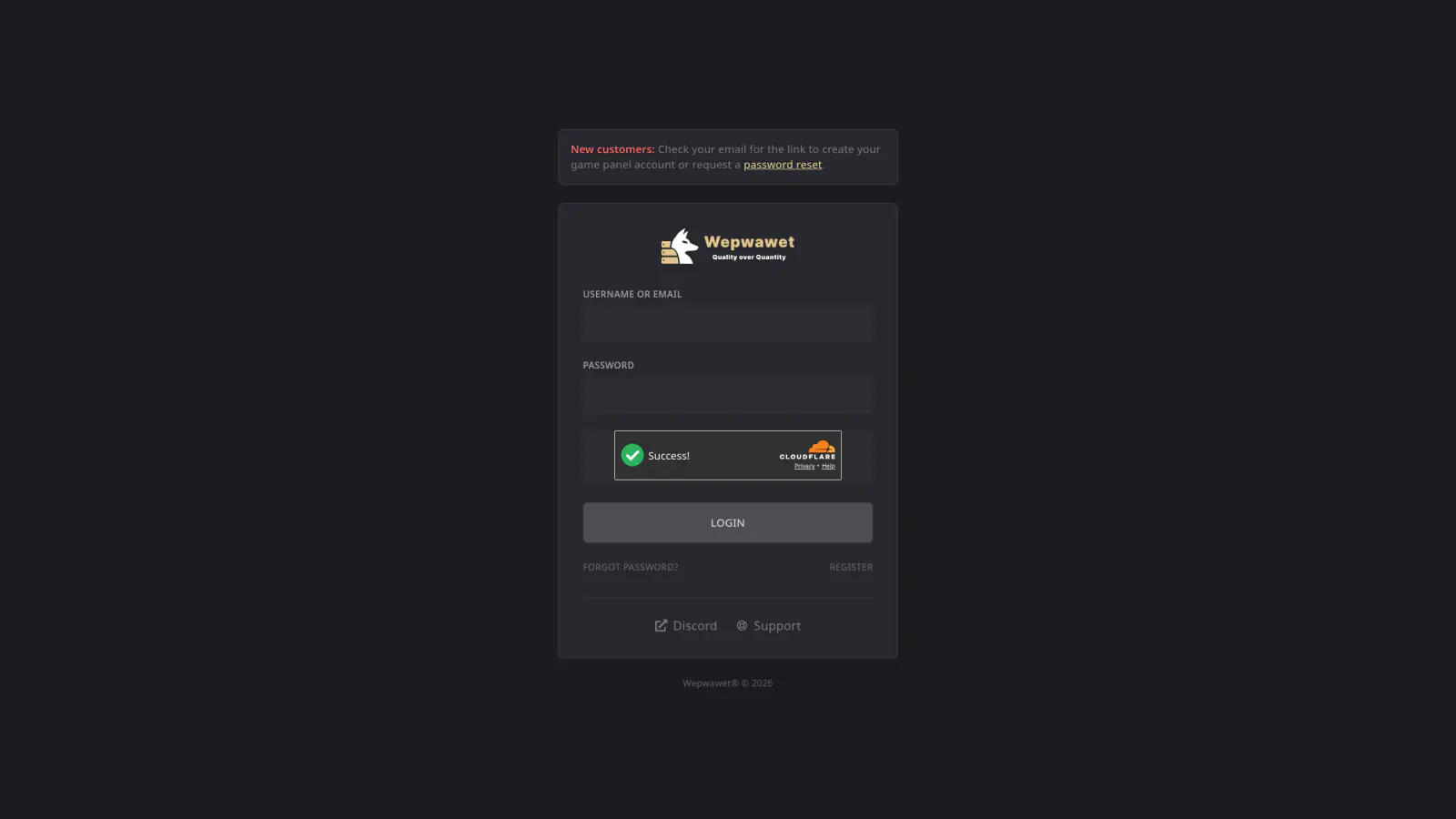
Log In to the Game Panel ↗
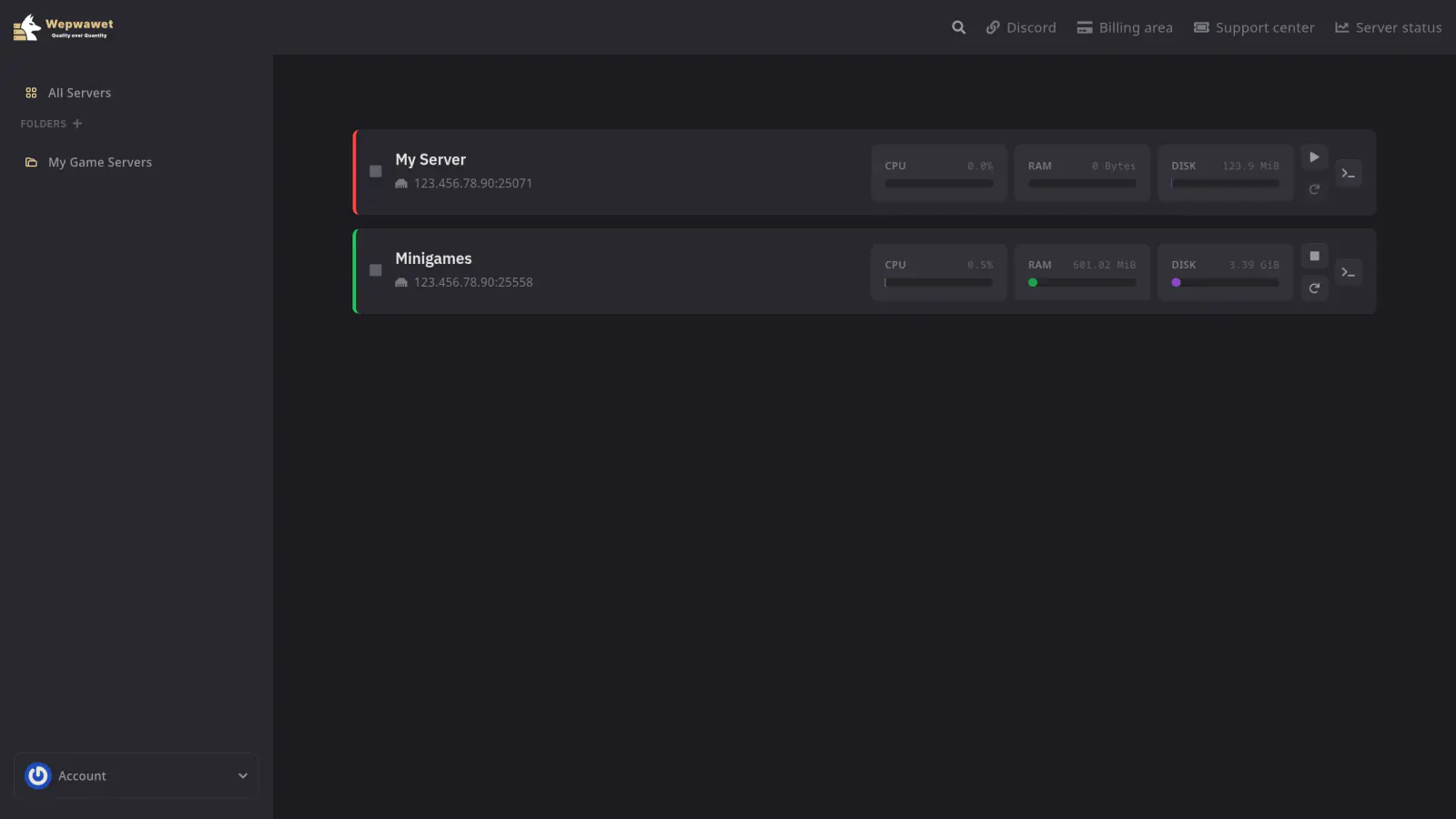
Select Your Server
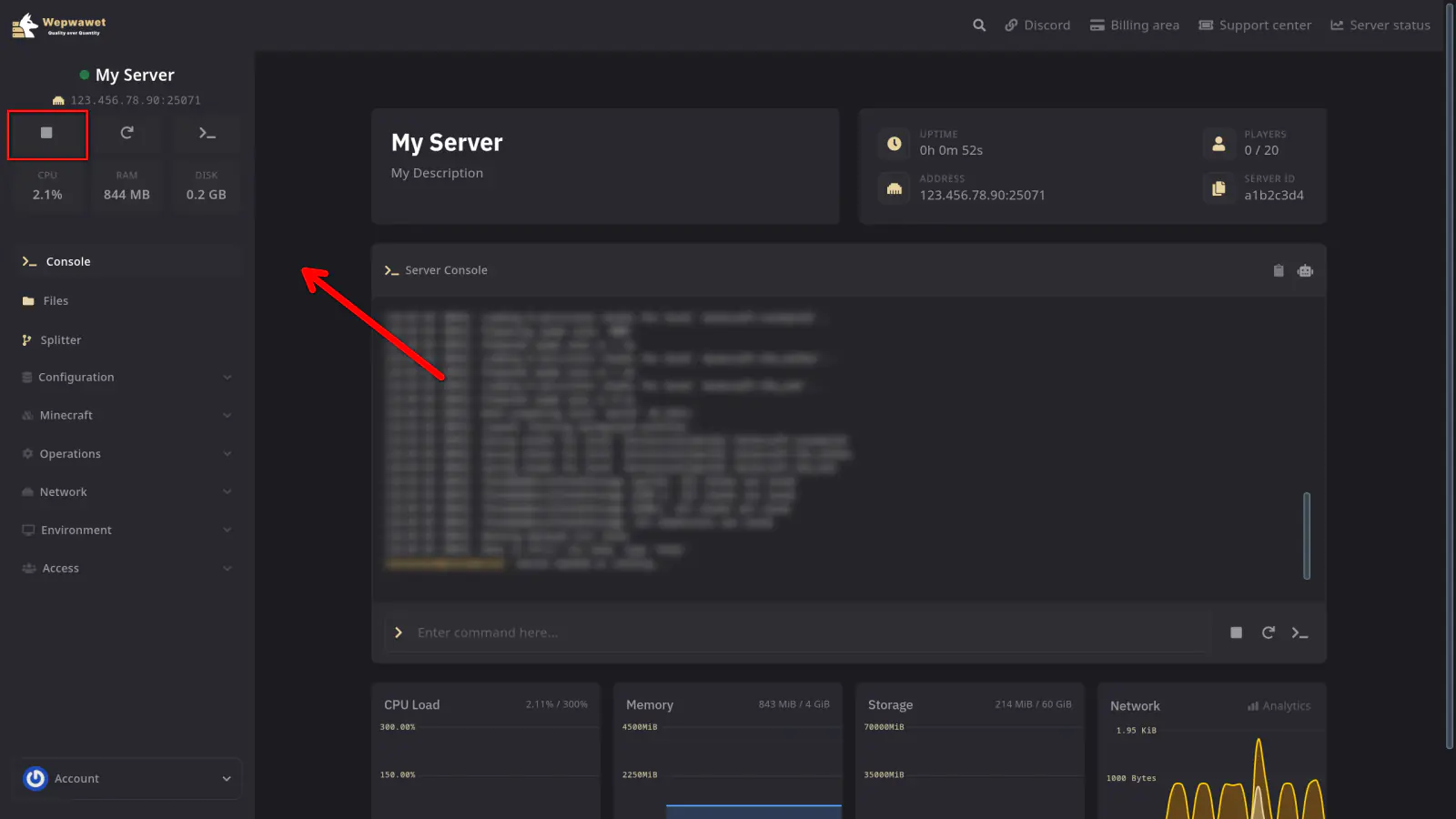
Stop the Server
Click on the Files tab
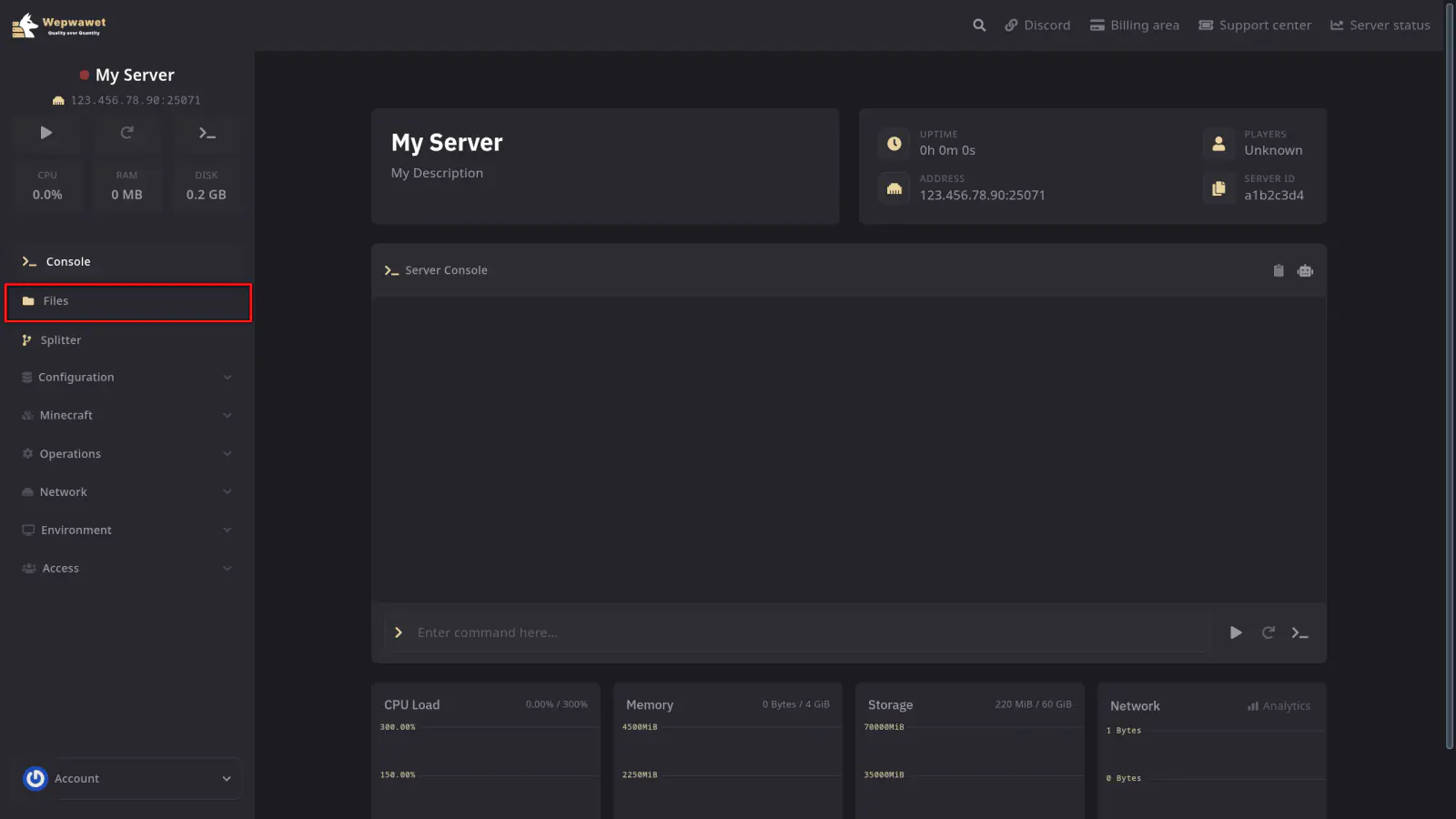
Open the config folder and then paper-world-defaults.yml
You will find the following section:
anticheat:
  anti-xray:
    enabled: false
    engine-mode: 1
    hidden-blocks:
Replace it with:
anticheat:
  anti-xray:
    enabled: true
    engine-mode: 2
    hidden-blocks:
    - copper_ore
    - deepslate_copper_ore
    - gold_ore
    - deepslate_gold_ore
    - iron_ore
    - deepslate_iron_ore
    - coal_ore
    - deepslate_coal_ore
    - lapis_ore
    - deepslate_lapis_ore
    - mossy_cobblestone
    - obsidian
    - chest
    - diamond_ore
    - deepslate_diamond_ore
    - redstone_ore
    - deepslate_redstone_ore
    - clay
    - emerald_ore
    - deepslate_emerald_ore
    - ender_chest
Restart Your Server
Start the server back up and you are ready to go!