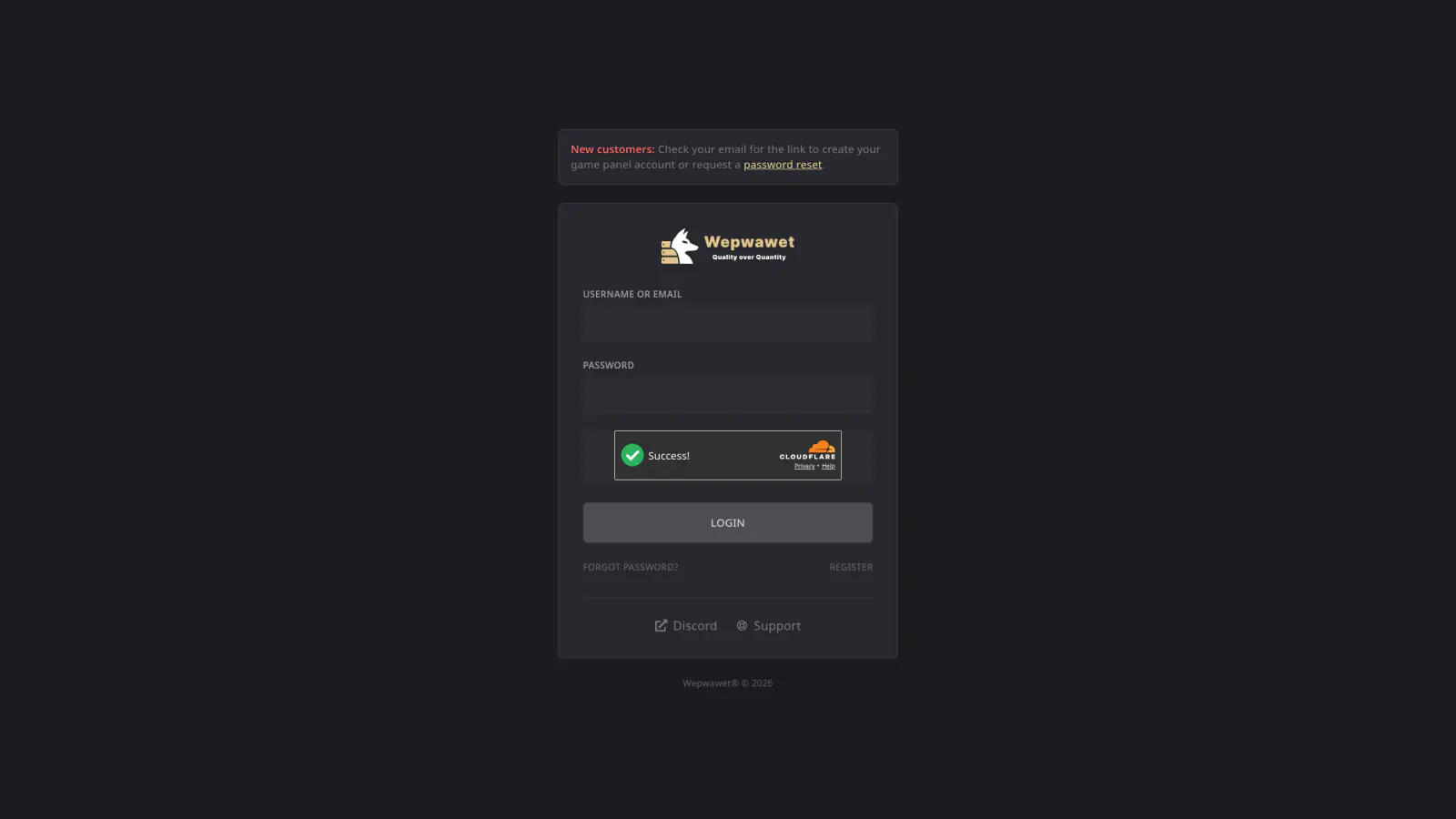
Log In to the Game Panel ↗
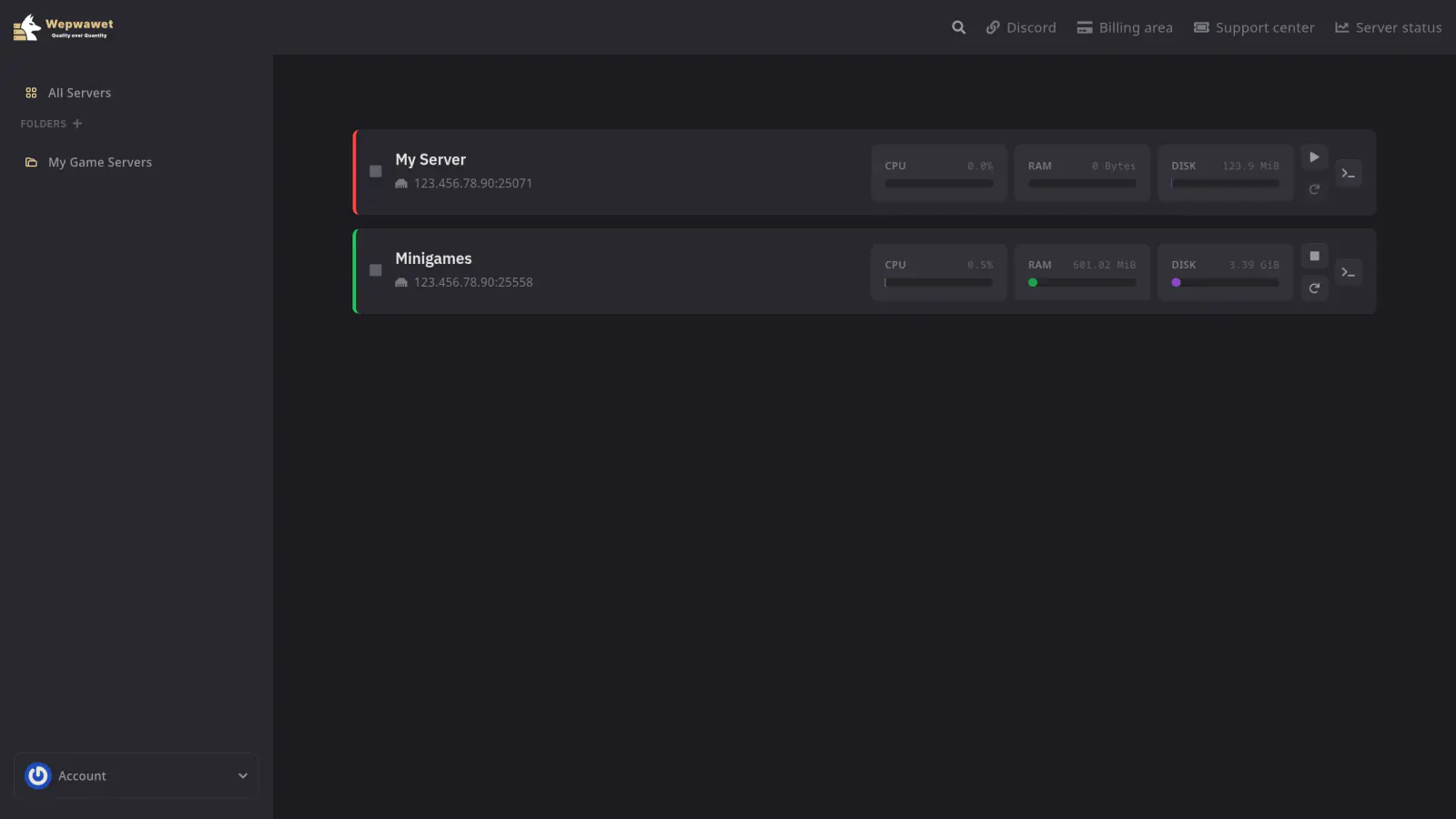
Select Your Server
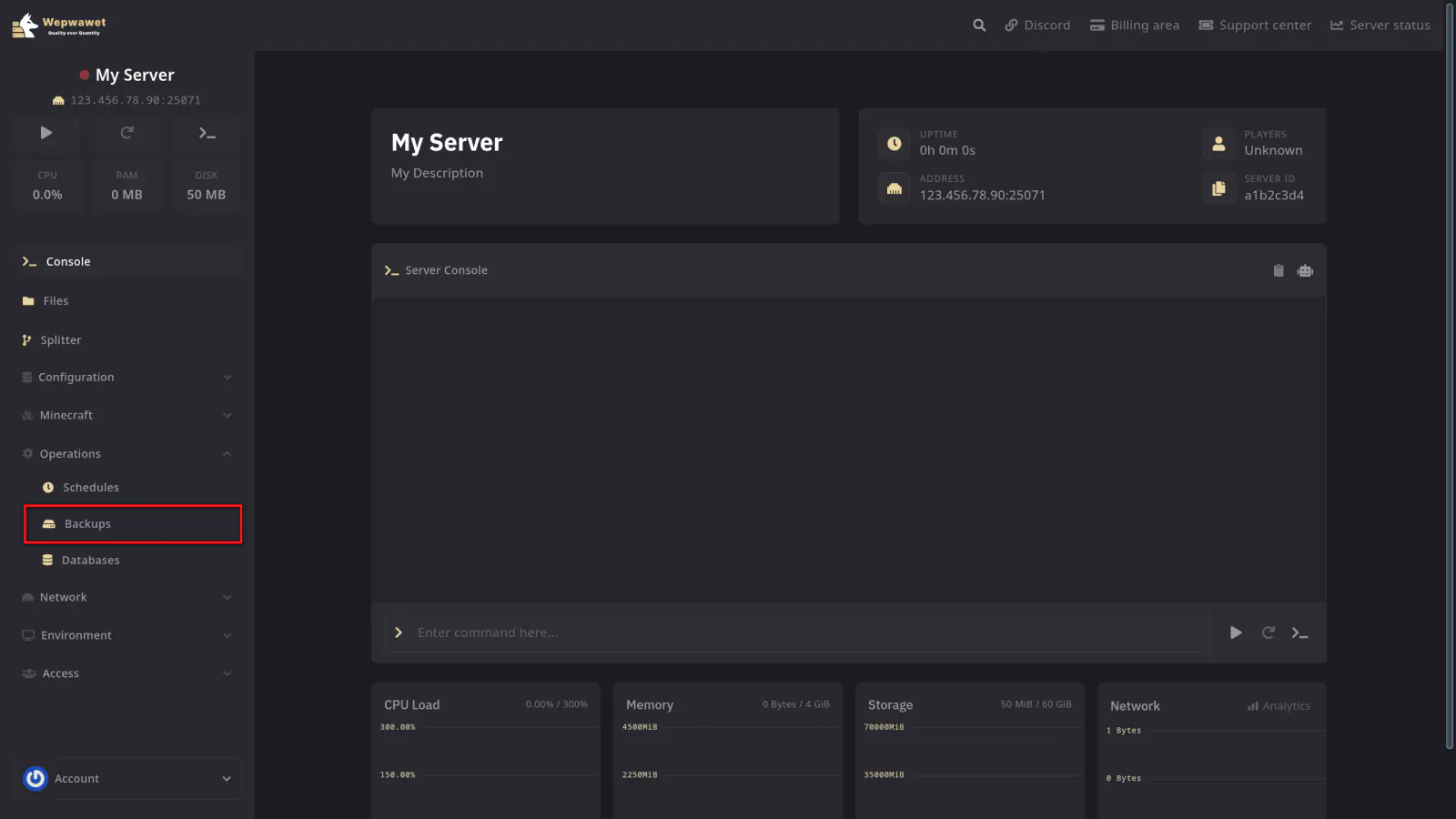
Open the Backups Tab
Navigate to the Backups tab in the left sidebar.
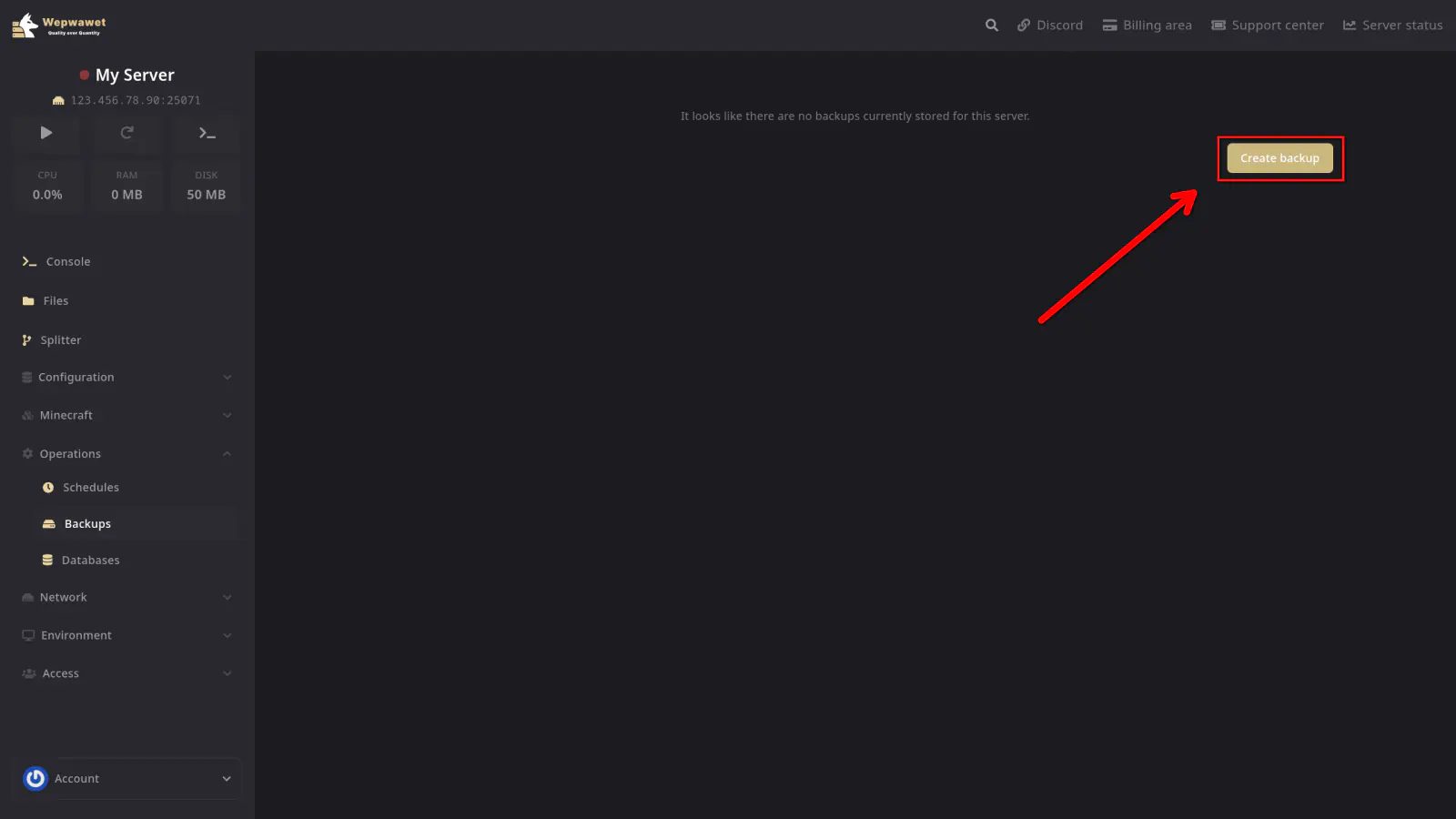
Create a Backup
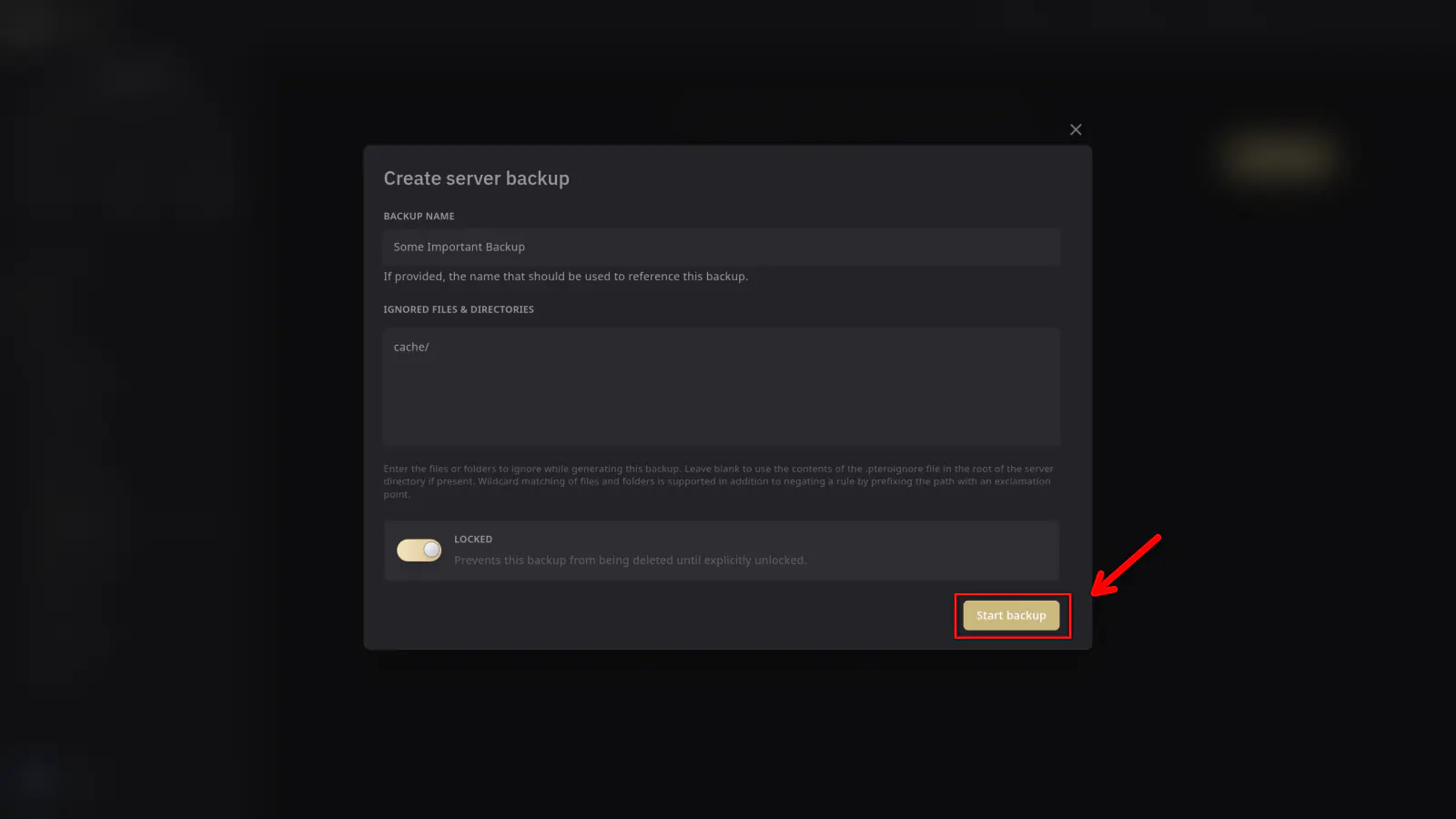
Click the Create Backup button. You can optionally give your backup a name and choose whether to lock it (preventing automatic deletion).
Wait for Completion
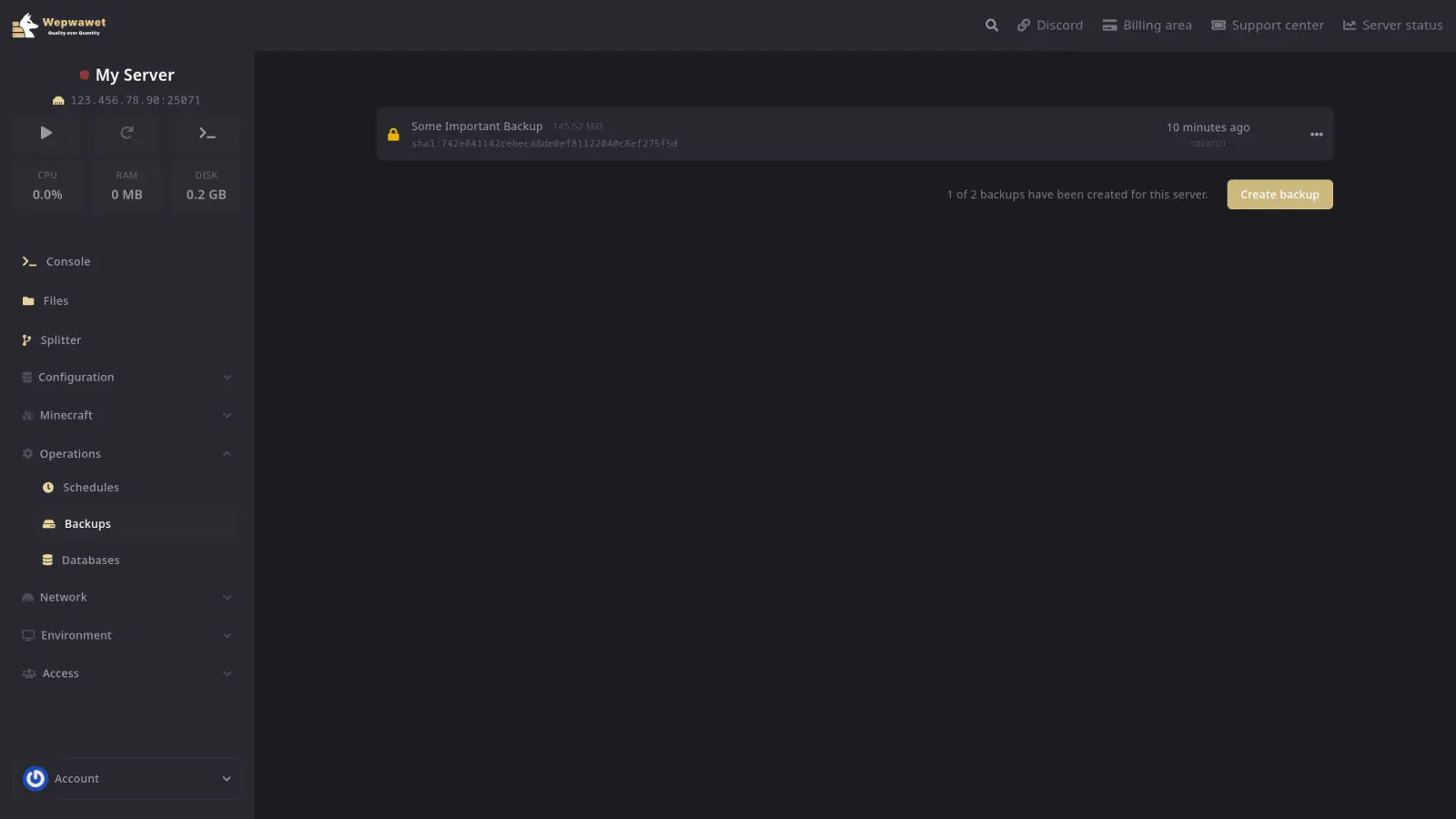
The backup will begin processing. Once finished, it will appear in your backup list and can be downloaded or restored at any time.
Restoring a Backup
If you need to restore your server to a previous state:
- Go to the Backups tab.
- Click the three dots next to the backup you want to restore.
- Click Restore and confirm.
Downloading a Backup
To download a backup to your local machine:
- Go to the Backups tab.
- Click the three dots next to the backup.
- Click Download.
Backup limits depend on your plan. If you’ve reached your limit, you’ll need to delete an existing backup before creating a new one.
Locking a backup makes it so that it cannot be overwritten by schedules.
We recommend creating a backup before making any major changes to your server, such as updating mods, plugins, or switching versions.