The game panel is separate from the billing area, and it uses its own login. If you have just purchased a service, check your email for the account creation link first, see Creating an Account.
Open the Game Panel ↗
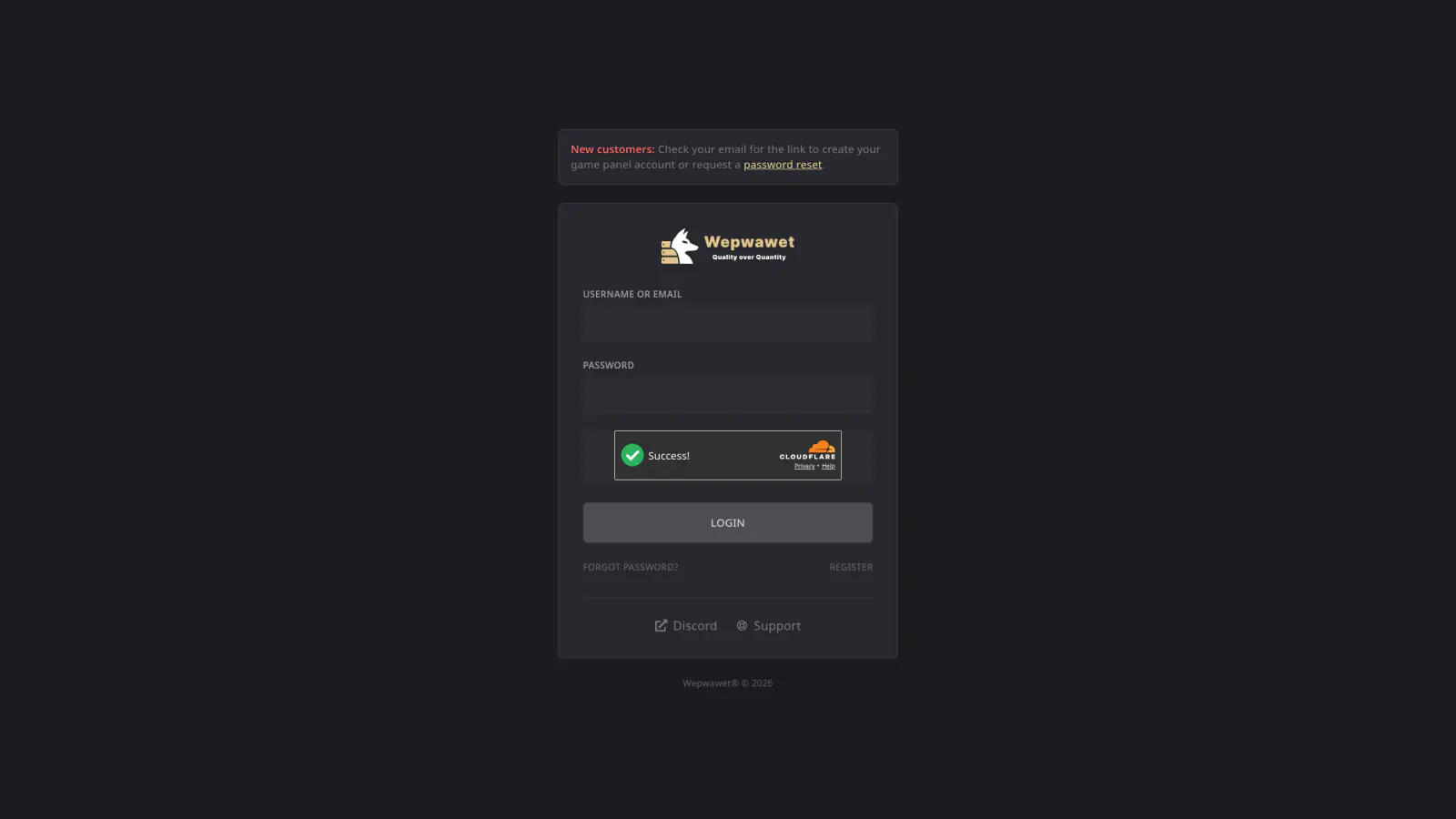
Enter Your Username or Email
Both work. Use the email address associated with your Wepwawet Hosting account if you are unsure of your username.
Enter Your Password
This is your panel password, which is not the same as your billing password unless you set them to match.
Wait for the Cloudflare Check
The box below the password field has to show Success! before the login will go through.
Click Login
If you have two-factor authentication enabled, enter the code from your authenticator app when prompted.
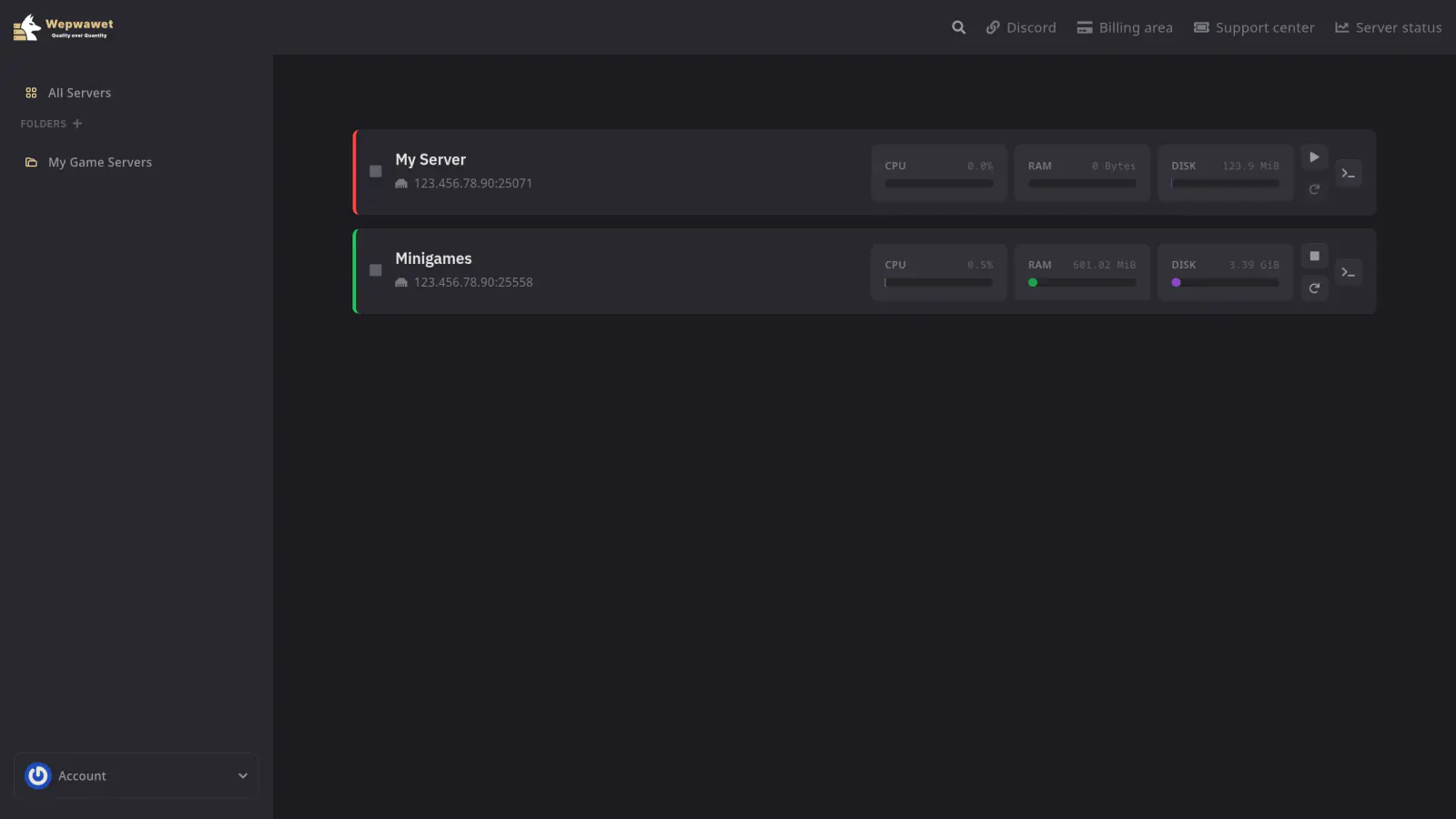
You’re logged in. Select a server to open its console and management tabs.
Forgot your password? Follow the password reset guide.