On this page, you can:
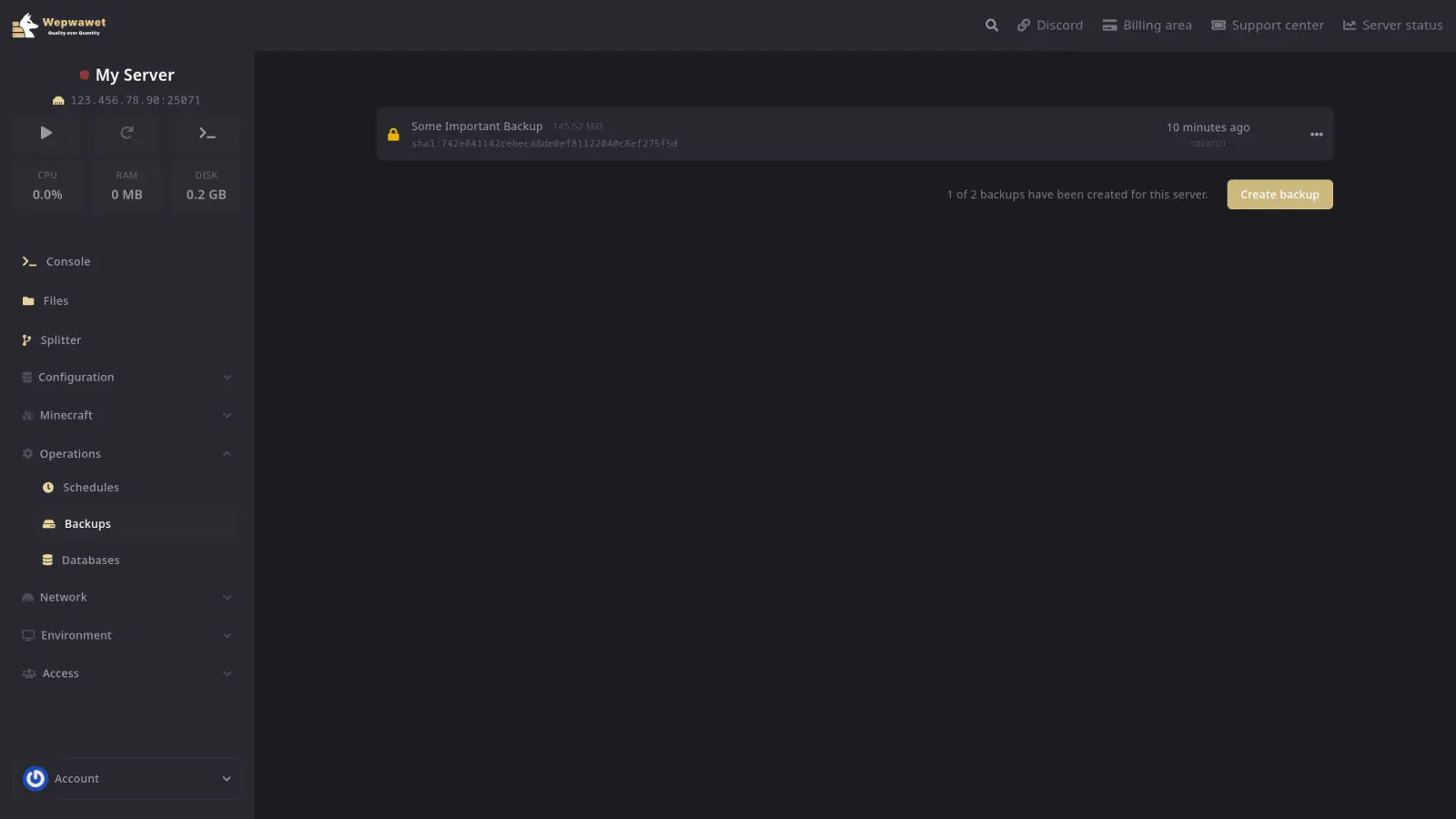
Create a New Backup
Click Create Backup to generate a new backup of your server.
View Current Backups
See all existing backups for your server.
Download a Backup
Click the three dots next to the backup you want to download, then Download. The file will be saved to your local storage.
Restore a Backup
Click the three dots next to the backup you want to download, then Restore to restore the backup. The files from the backup will be returned to their previous state.
Lock a Backup
Locking a backup prevents it from being deleted automatically. It can only be removed with manual interaction. This is mainly useful for automated backups.
Unlock a Backup
When a backup is locked, it cannot be deleted. Press the Unlock button to unlock it before deleting.
Delete a Backup
If you no longer need an old backup, click Delete to remove it, you will first need to unlock it.
Deleting a backup is permanent and cannot be undone.