The enable-status setting controls whether your server appears as online on the Minecraft server list. When disabled, the server list will show the server as offline, but players who know the IP can still connect.
| Value | Behavior |
|---|---|
| true (default) | Server shows as online on the server list. |
| false | Server appears offline on the list, but still accepts connections. |
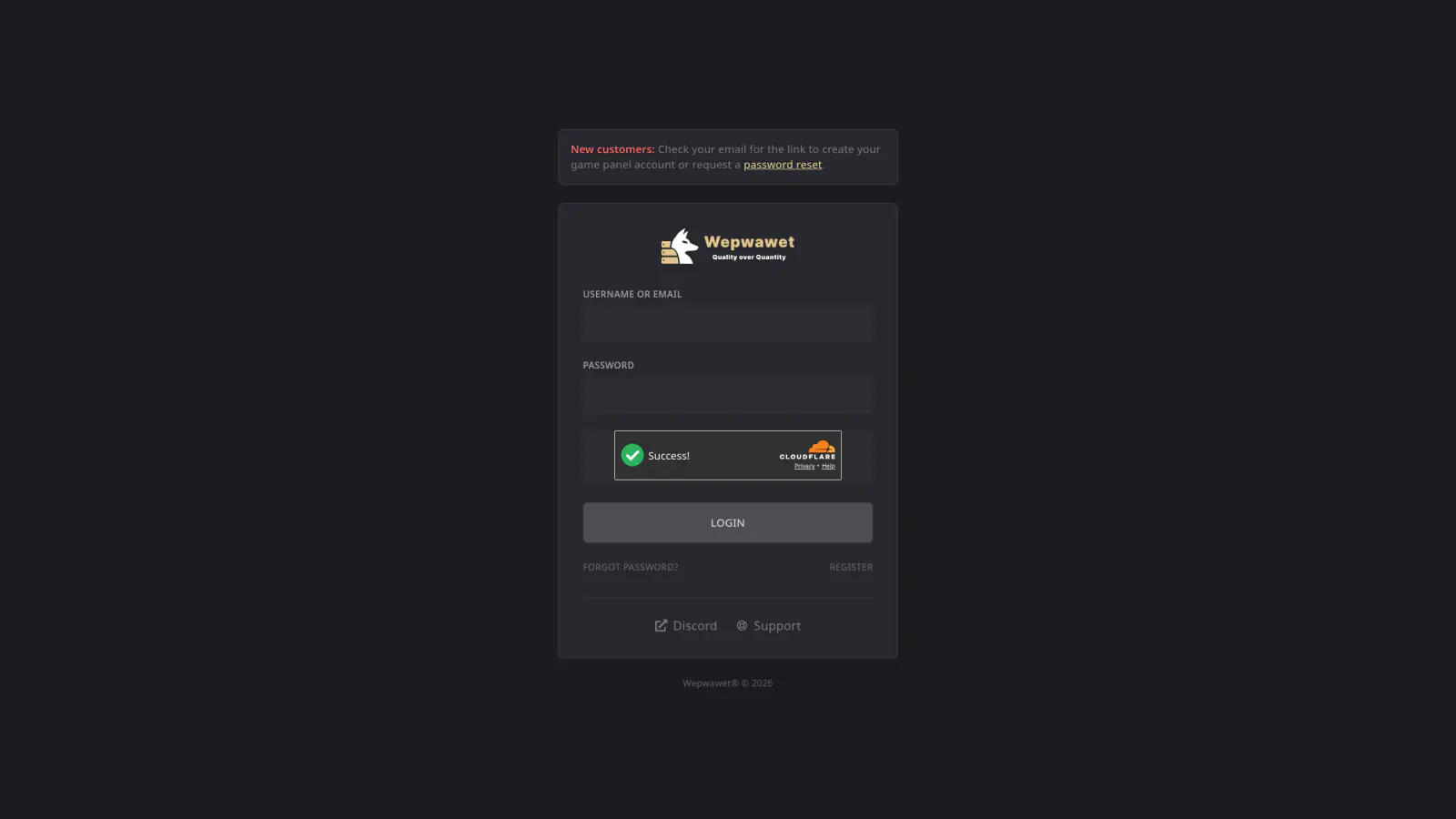
Log In to the Game Panel ↗
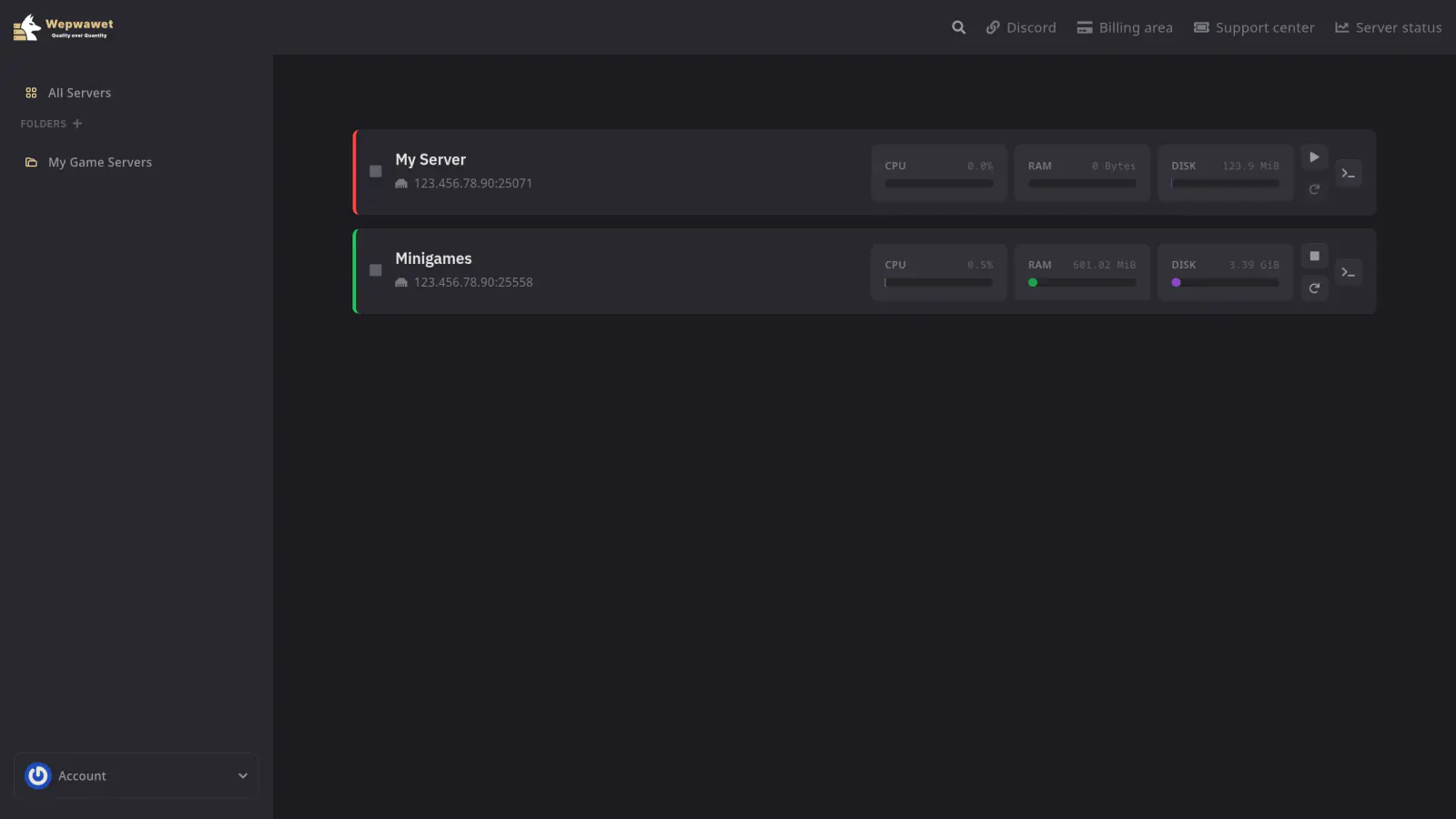
Select Your Server
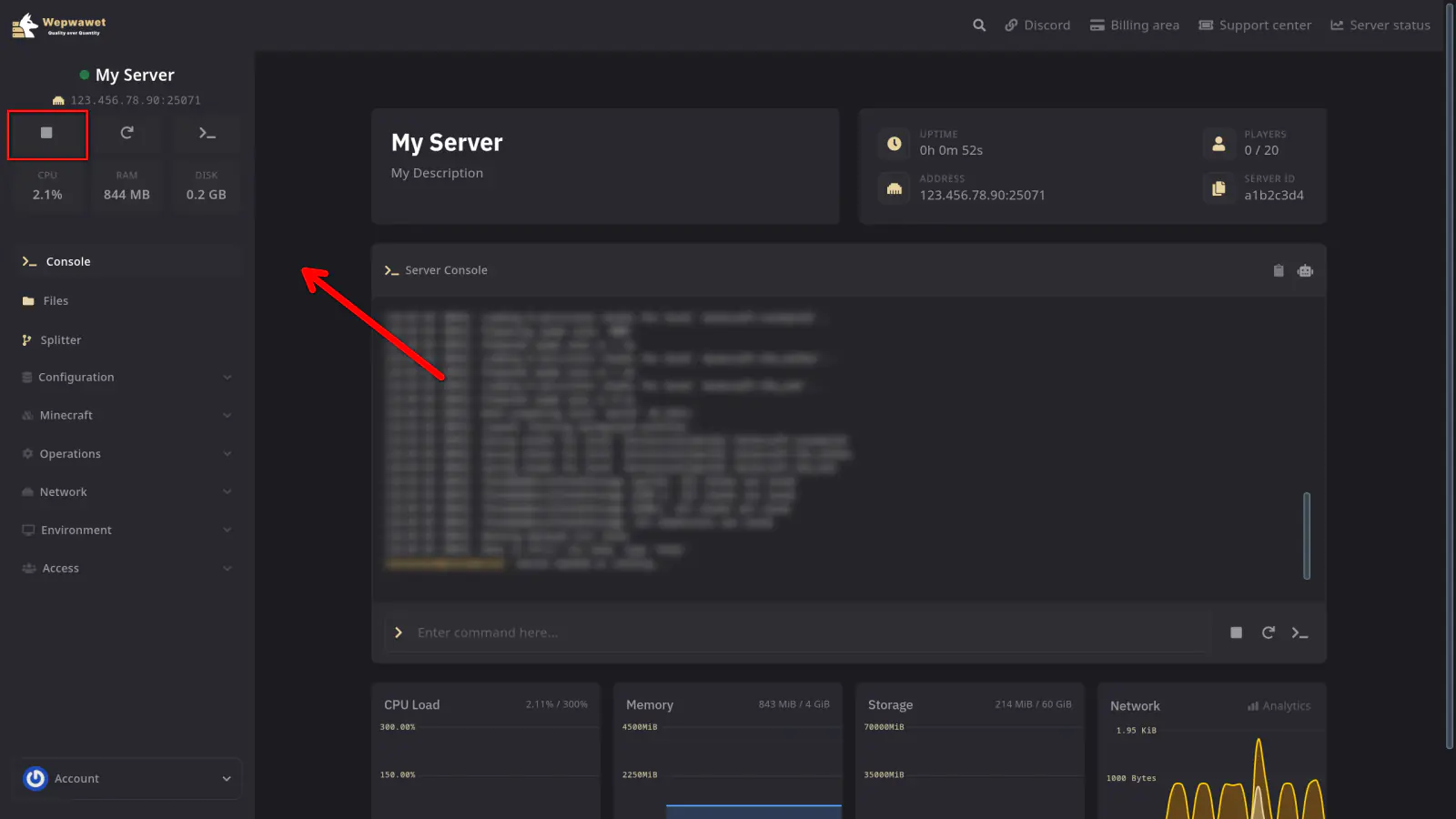
Stop the Server
Click on the Files Tab
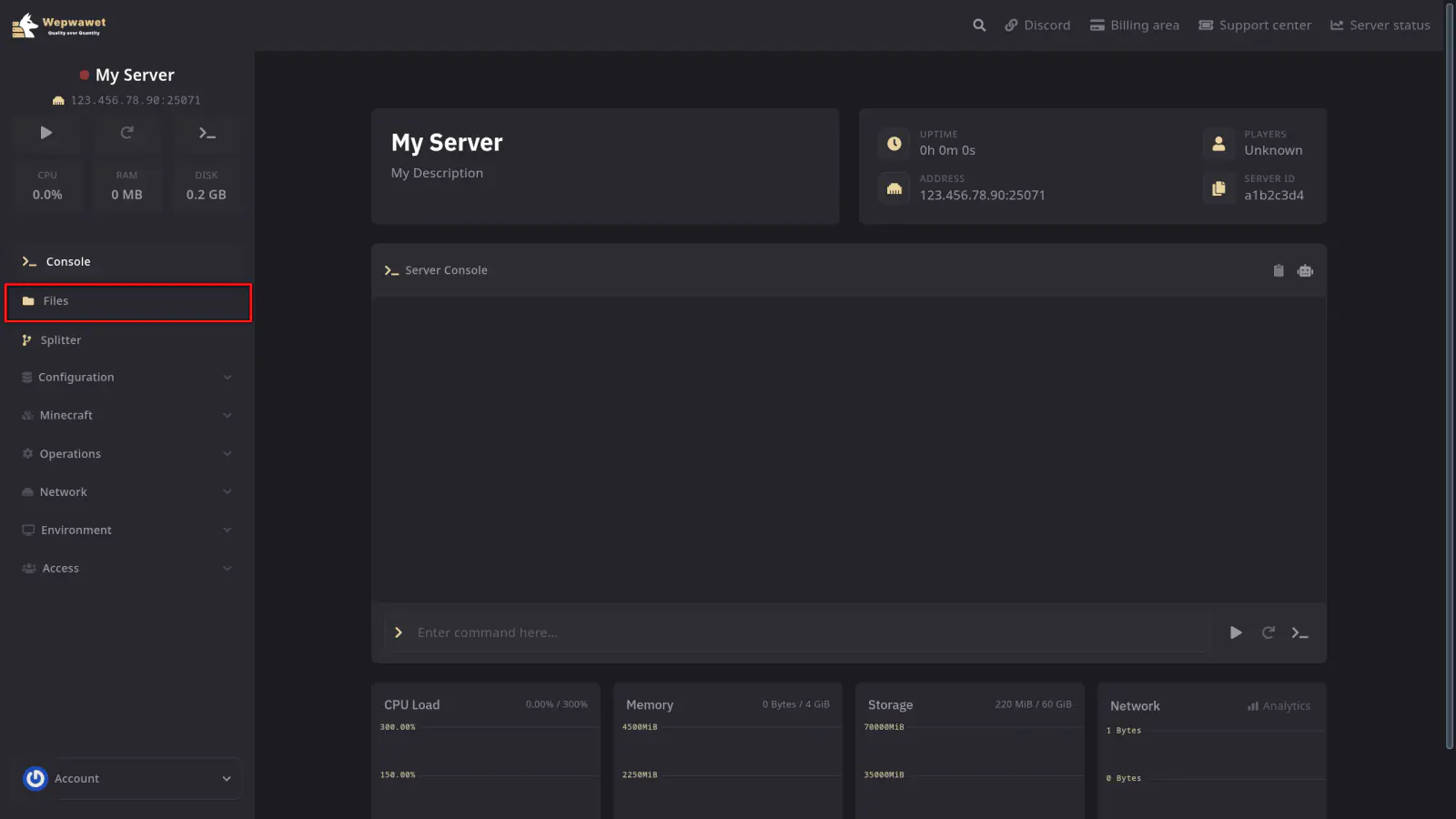
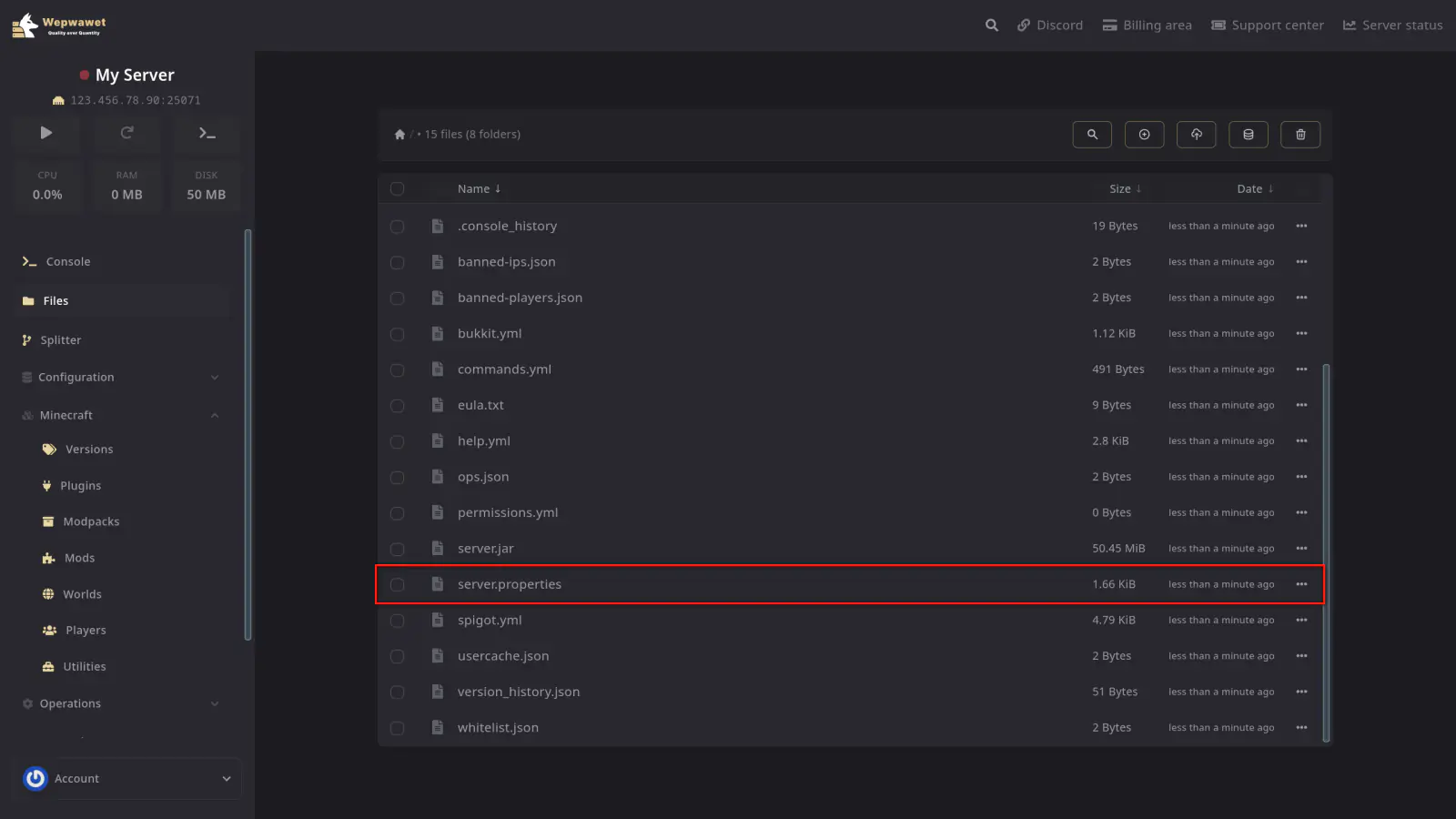
Open the server.properties File
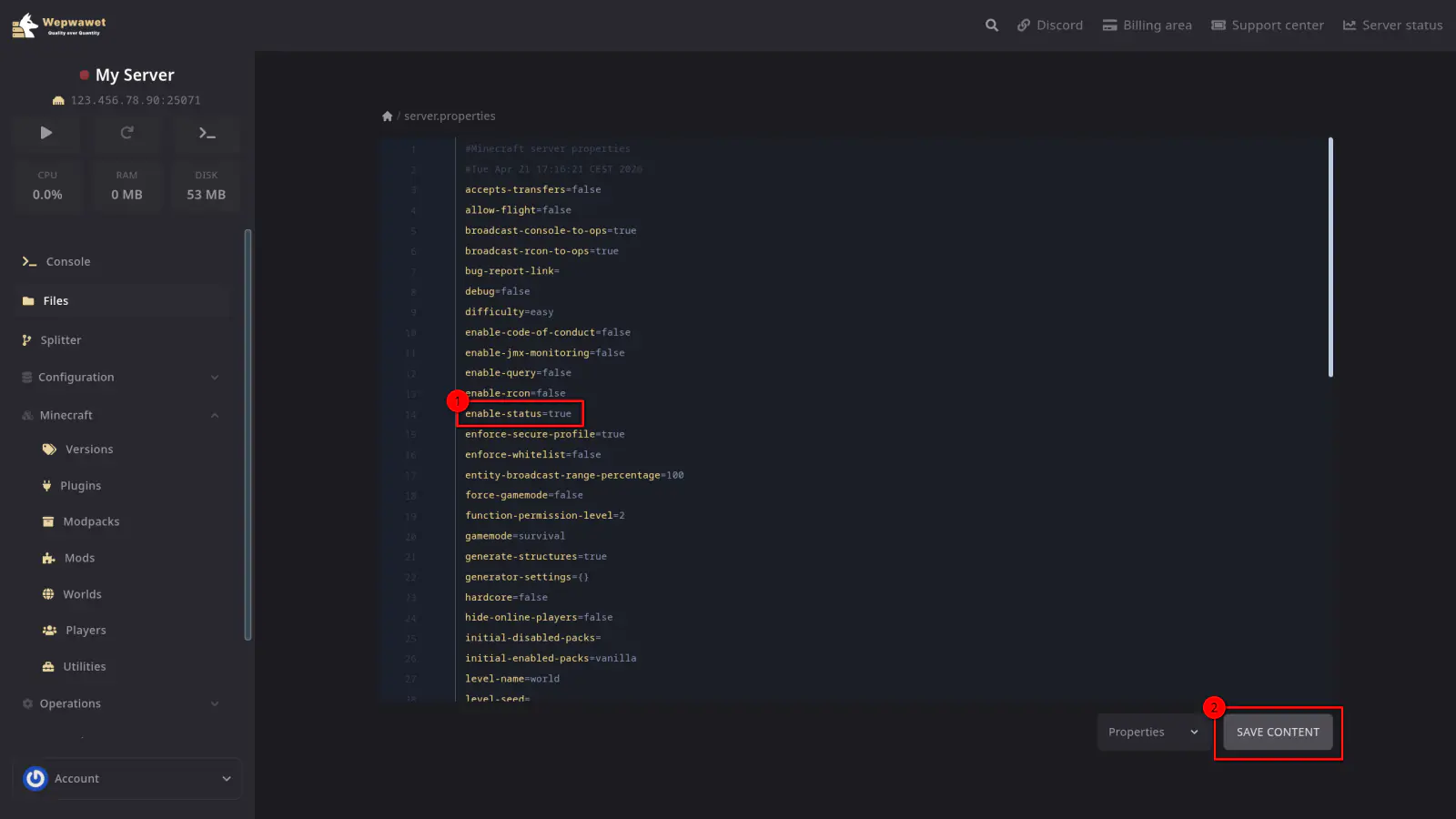
Find the enable-status Setting
Look for the line that reads enable-status=true. Change it to enable-status=false to hide your server from the server list, or keep it as true to show it.
After making your change, click Save Content.
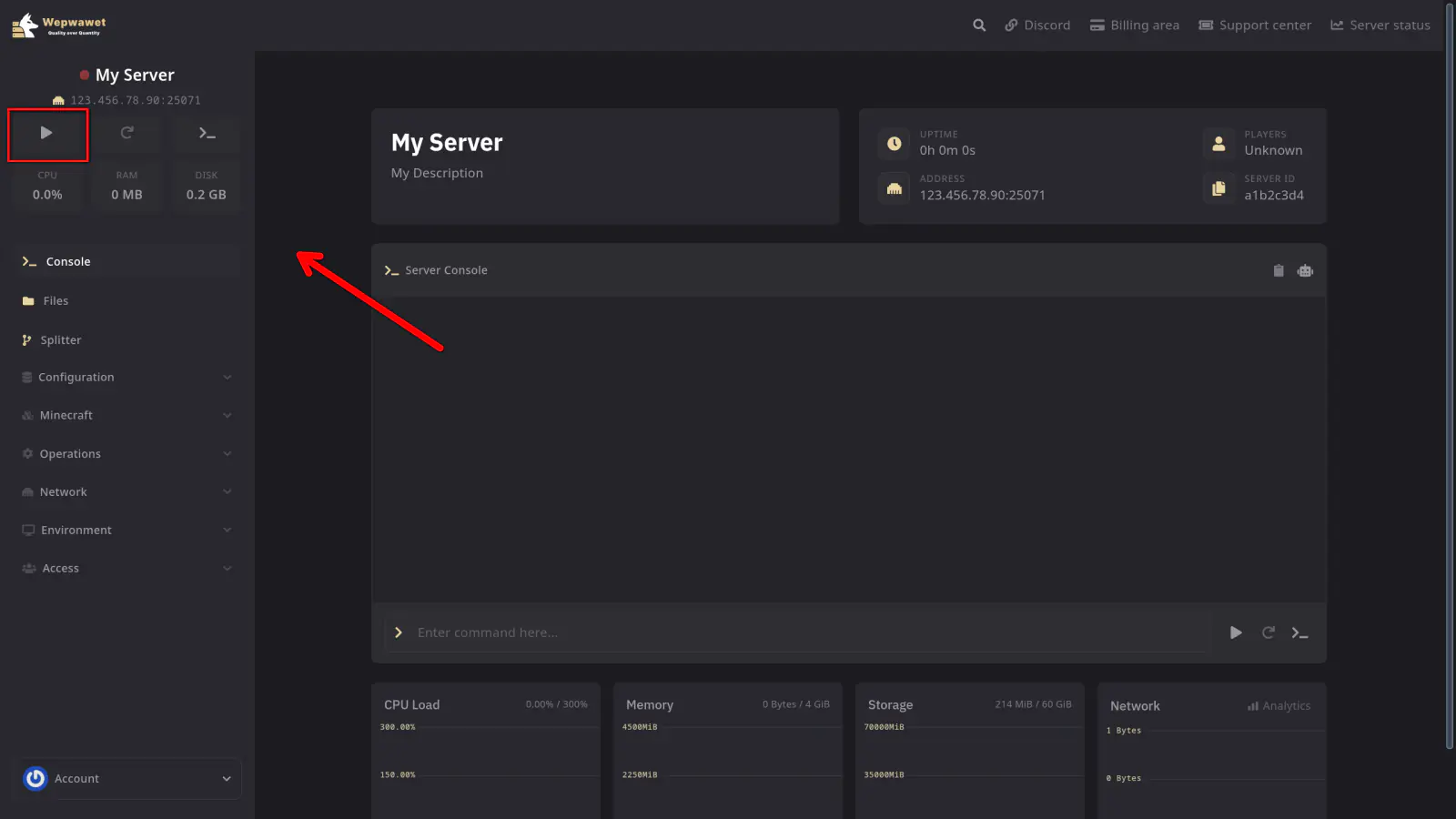
Start the Server
If any issues arise, contact us ↗.