You can transfer your server between regions directly from the panel. Your server files move with you, but your backups do not.
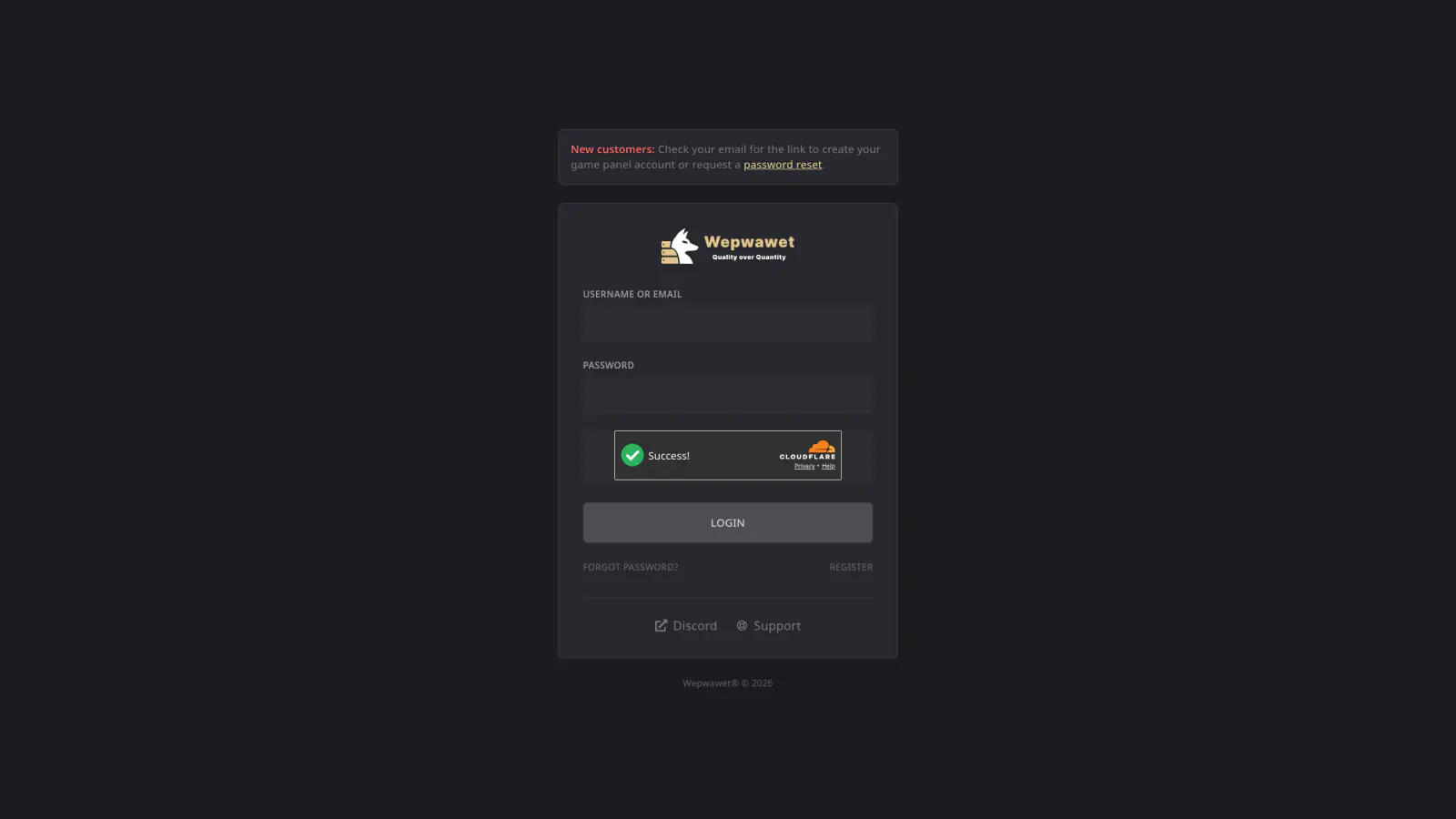
Log In to the Game Panel ↗
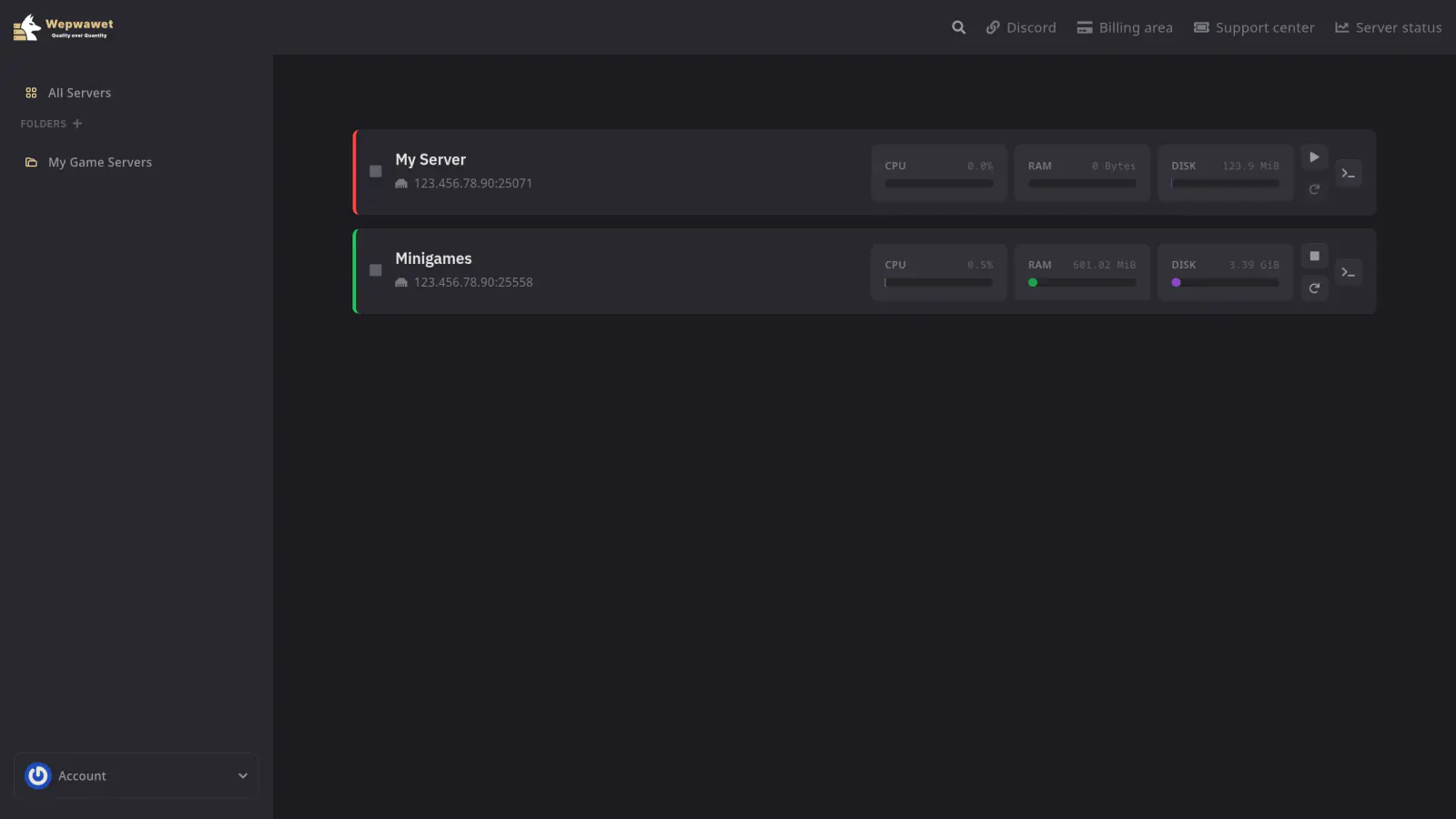
Select Your Server
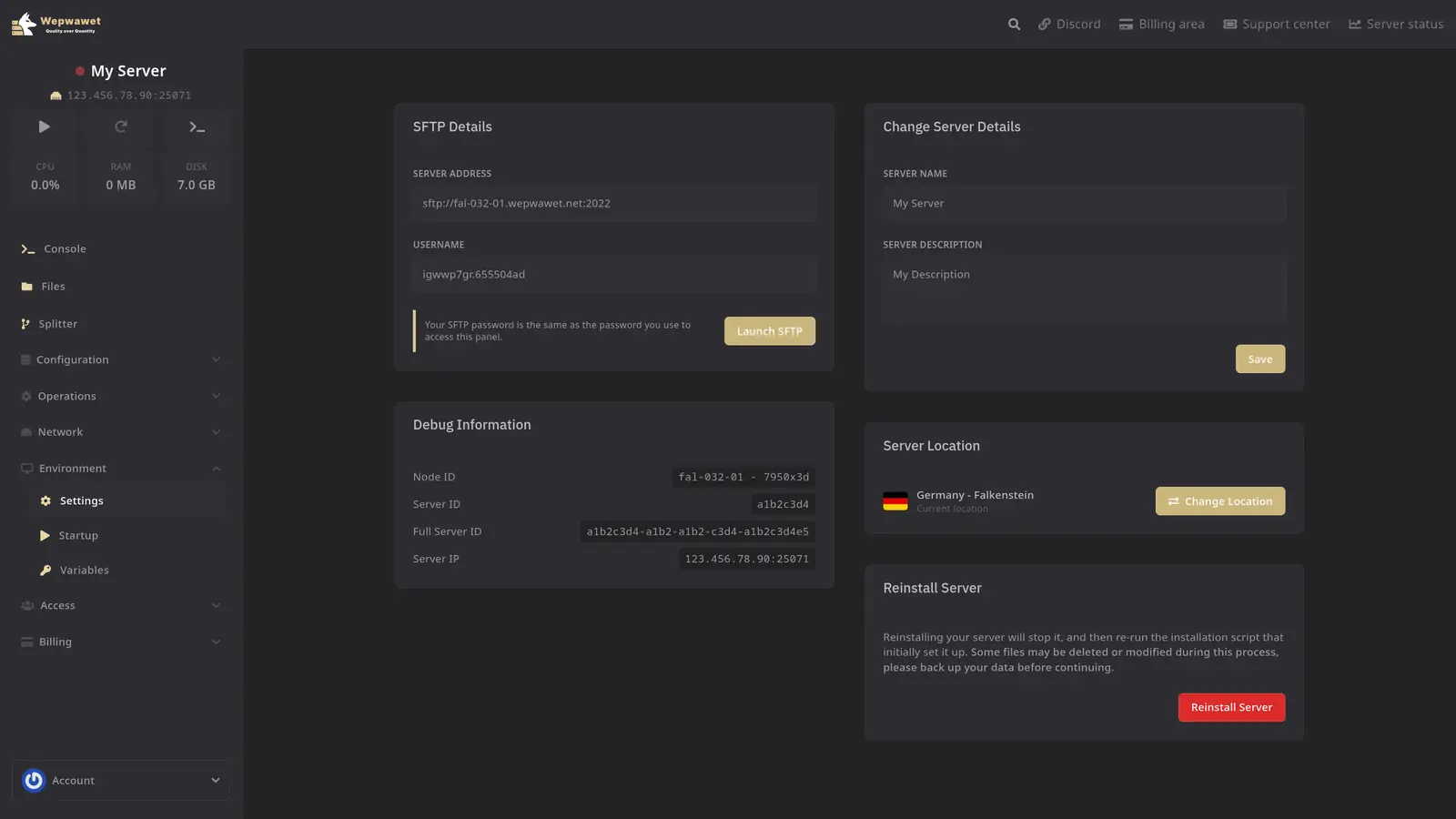
Open the Settings Tab
Settings is listed under the Environment section in the sidebar.
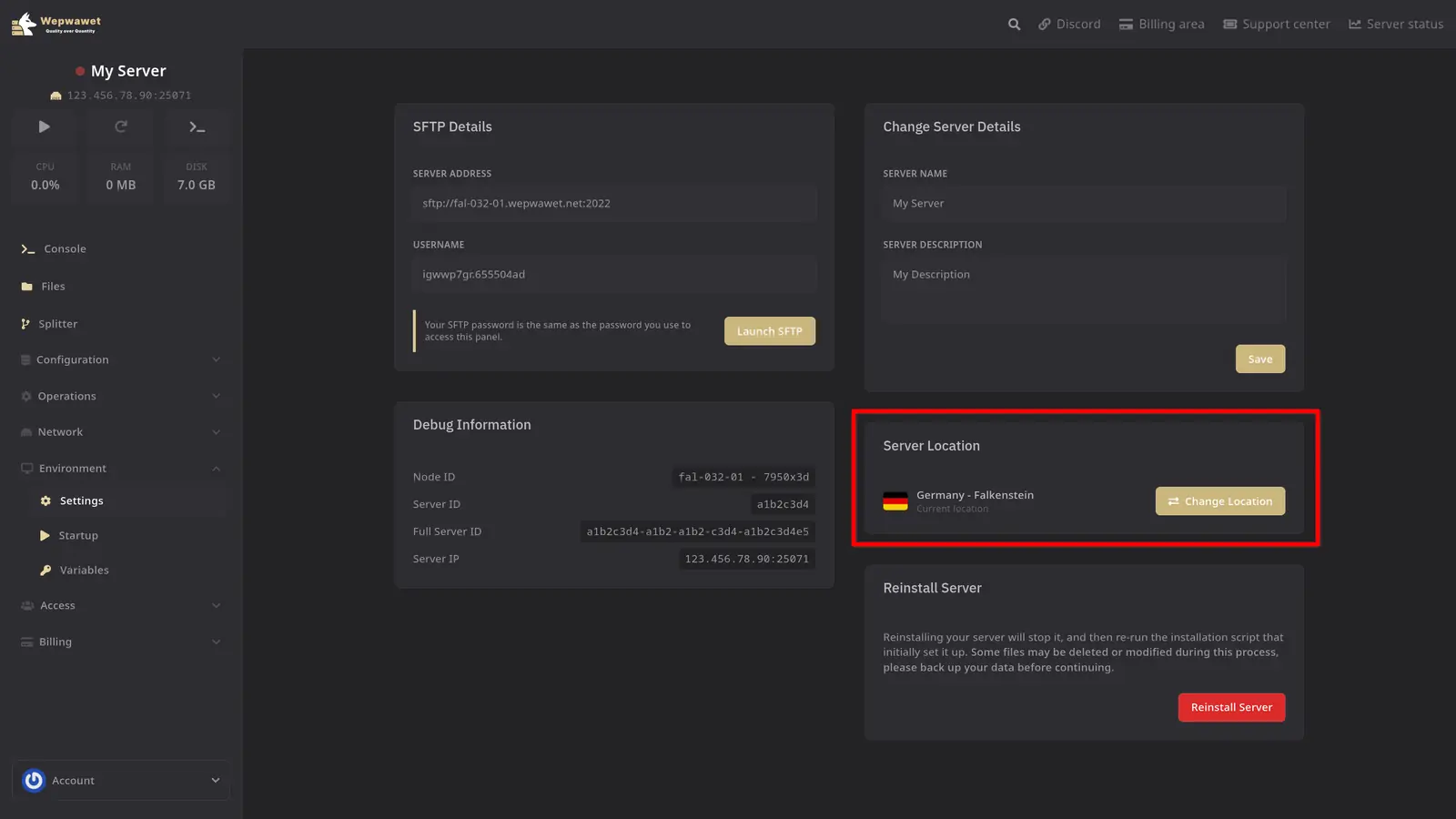
Click Change Location
In the Server Location card, click Change Location.
Pick Your Destination Region
Each region shows a status:
- Available: ready to accept transfers.
- Limited: reduced capacity, transfers may be queued or temporarily unavailable.
- Unavailable: not currently accepting transfers.
Your current region is marked Current and cannot be selected.
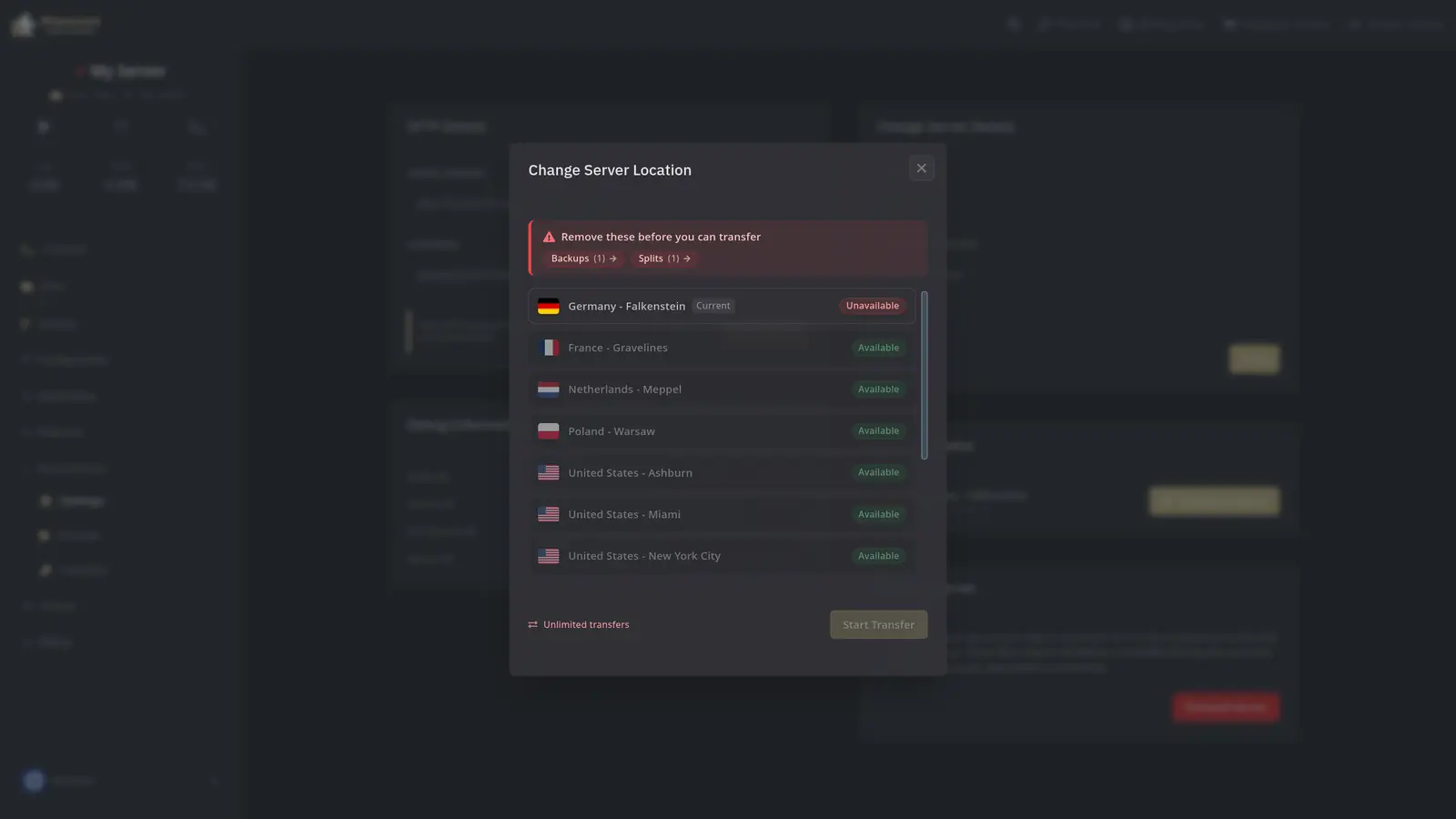
Start the Transfer
Click Start Transfer and wait for the transfer to finish.
Before you transfer
Your server must have no backups and no splits. Remove or resolve these first, then try again.
Transfers are also subject to region availability at the time of the request.
Backups do not move with your server. Download anything you want to keep before deleting your backups.
Only the account owner can transfer a server. Panel subusers cannot request or perform region transfers, even if they have access to the server.
If any issues arise, contact us ↗.